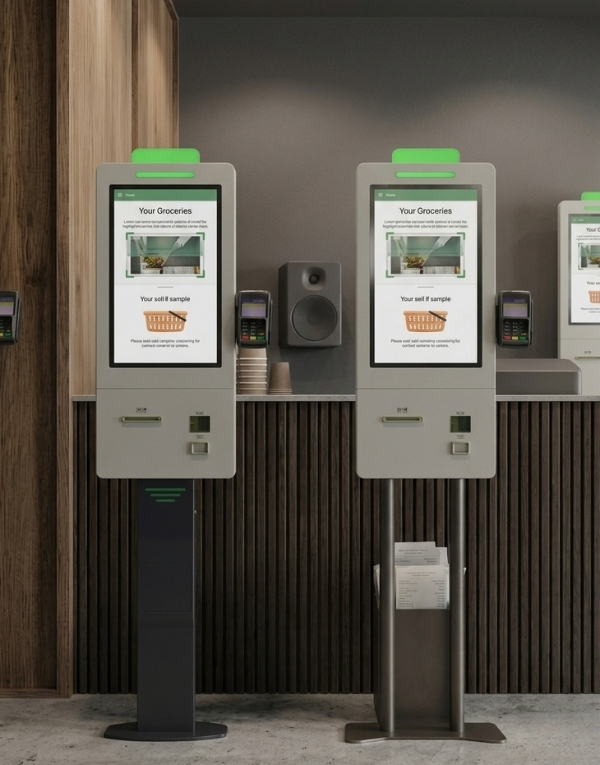
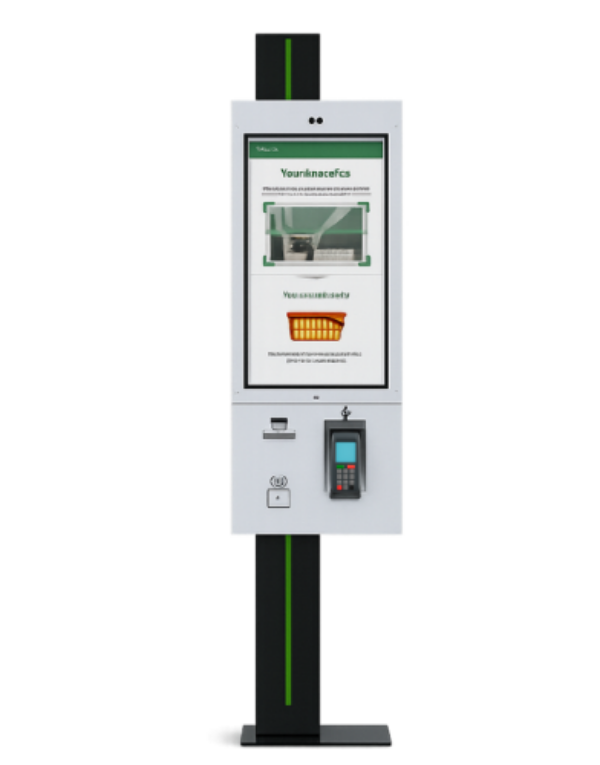
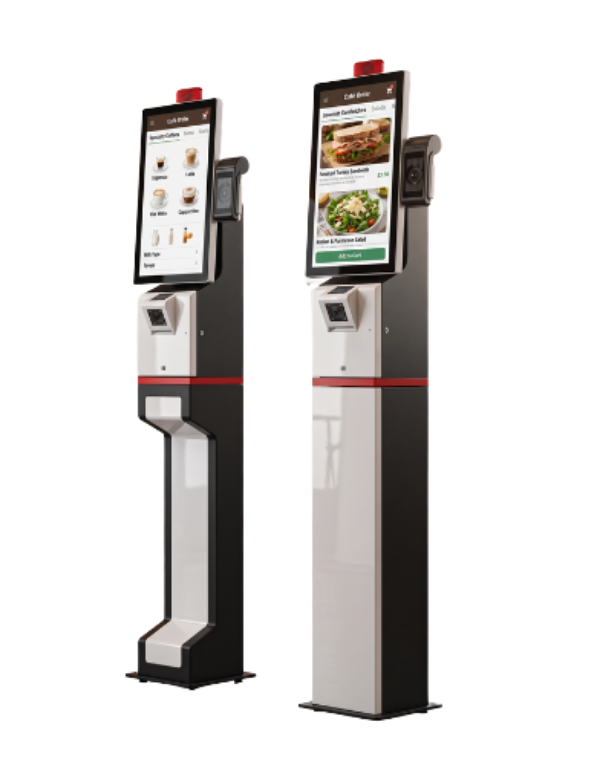
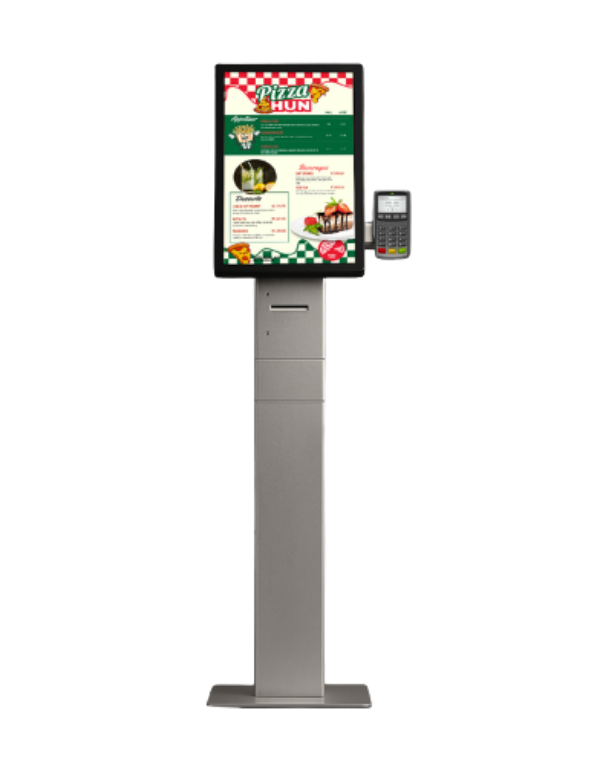
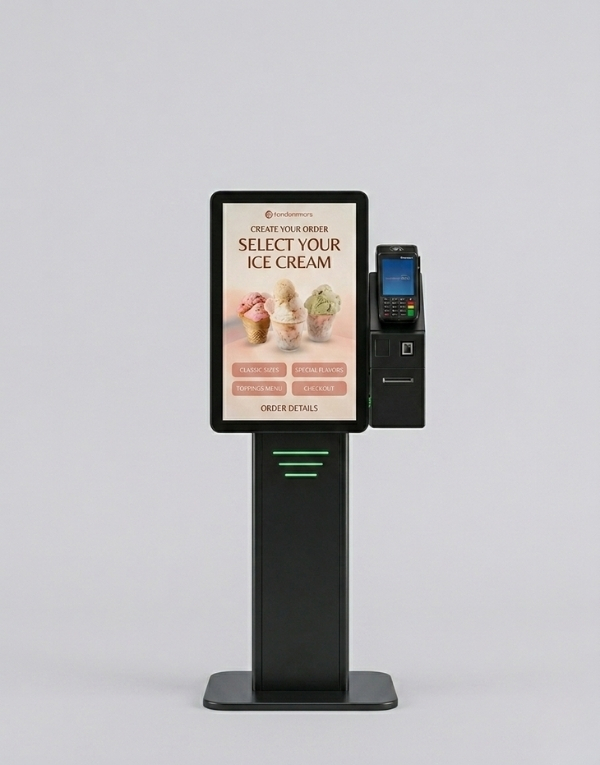
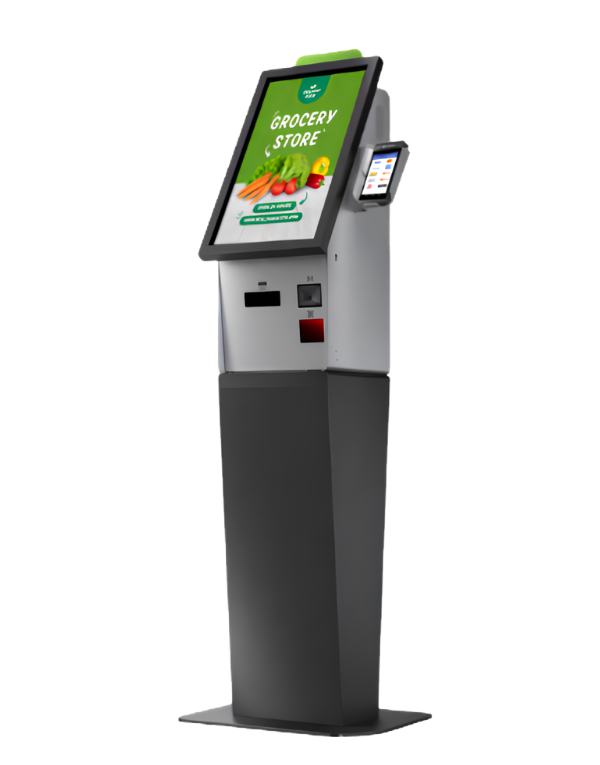
With Samsun Self Order Kiosk, Menureen offers a self-ordering kiosk for restaurant menu selection and ordering. The listed screen sizes are 27″, 32″.
Plan its position around the customer journey and staff assistance. Check the selected model’s screen, mounting and peripheral options, then confirm software and payment compatibility for your project.
Explore Self Order for related information.
At busy times, menu questions, order taking and collection can converge at the same counter. A separate ordering point needs a clear flow, visible instructions and access to staff assistance.
Let guests review menu choices and build an order on a self-ordering kiosk. Plan the software, payment peripherals and handover to staff as part of the complete restaurant workflow.
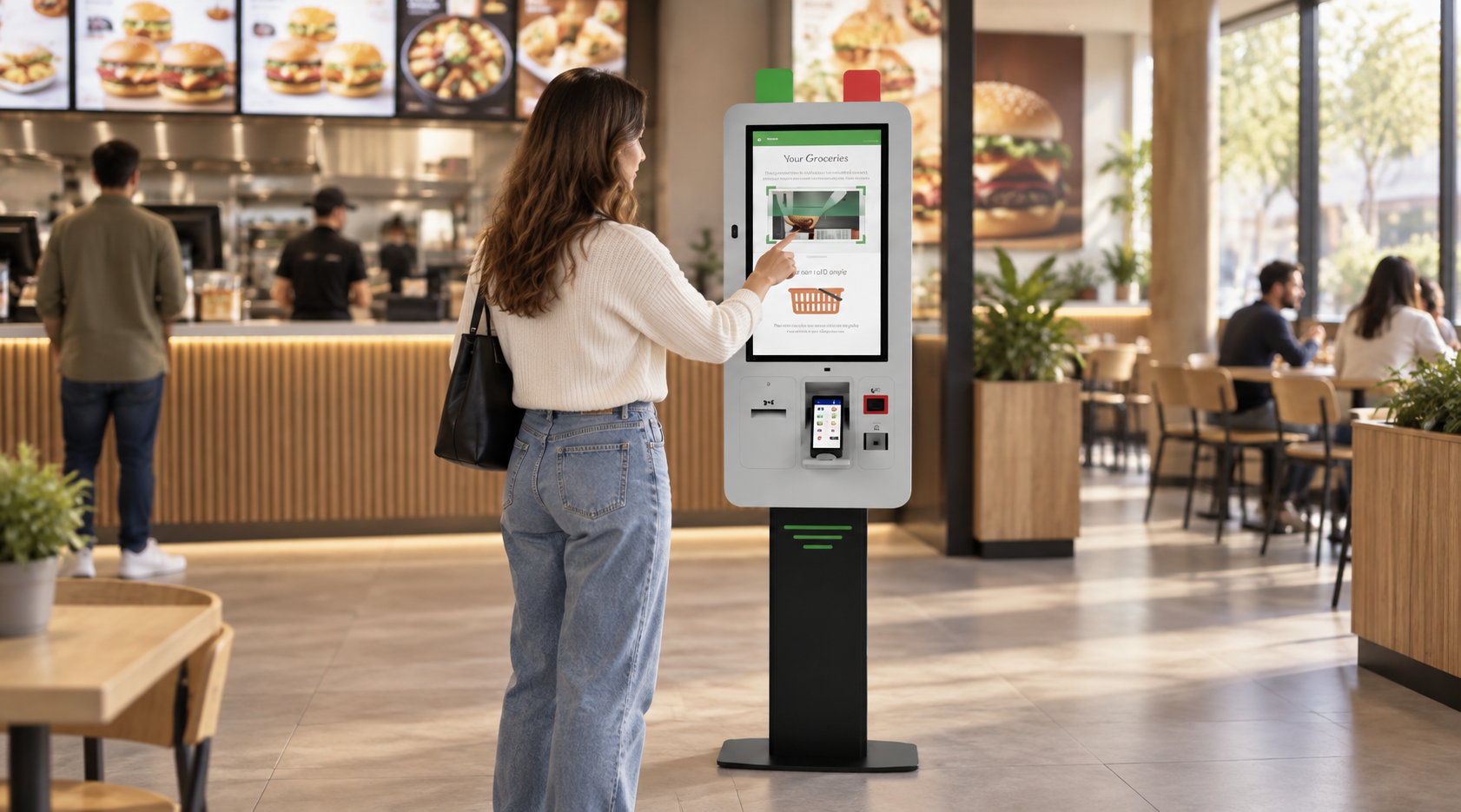


Position the kiosk before the collection area so guests can choose without blocking completed orders. Adapt the menu layout to the venue and provide a clear route to assistance.
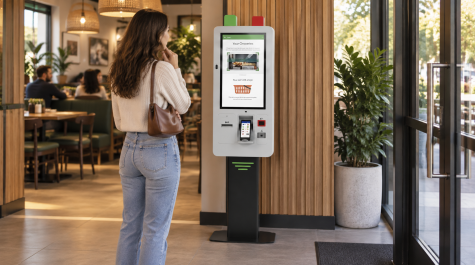
Let guests explore the menu and review their order while the team focuses on preparation.
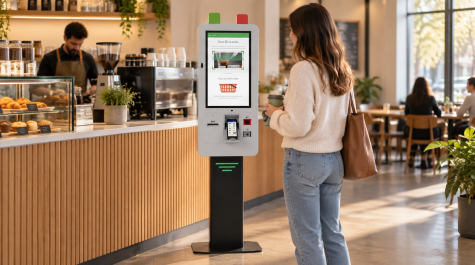
Offer a clear place to choose drinks, snacks and menu options during busy service periods.
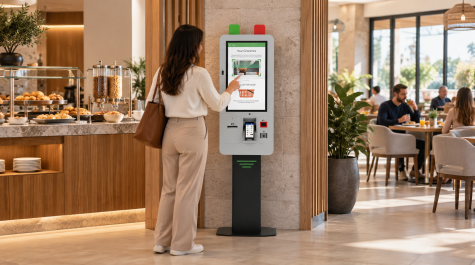
Provide a self-service ordering point for hotel cafés and restaurants, adapted to the dining workflow.
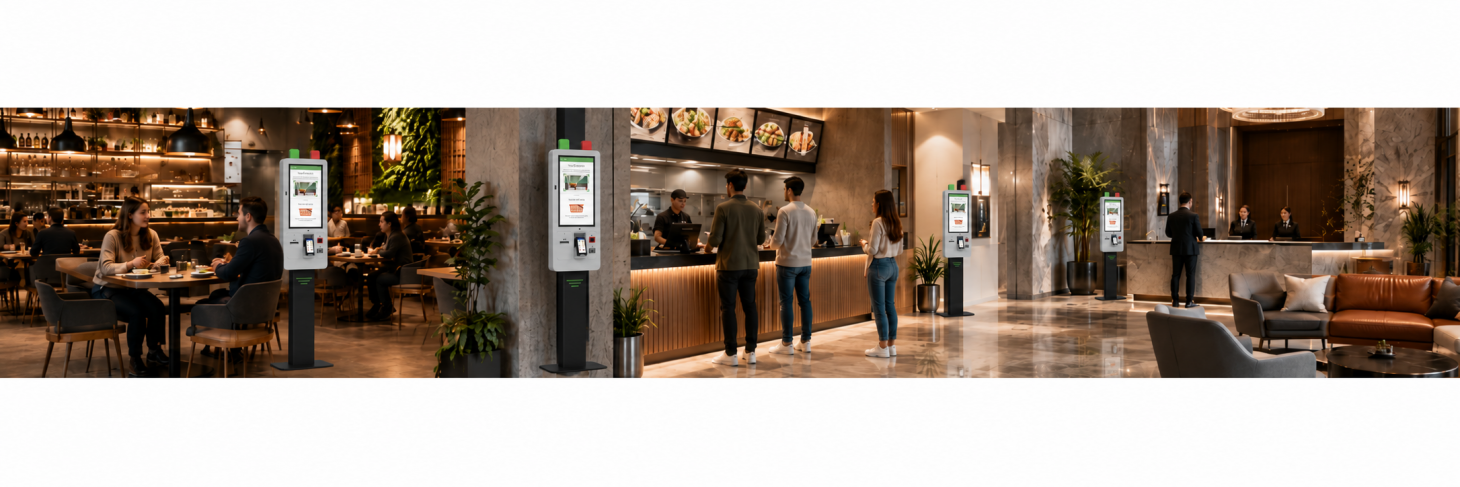
Guests can browse the menu and review their selections before completing an order.
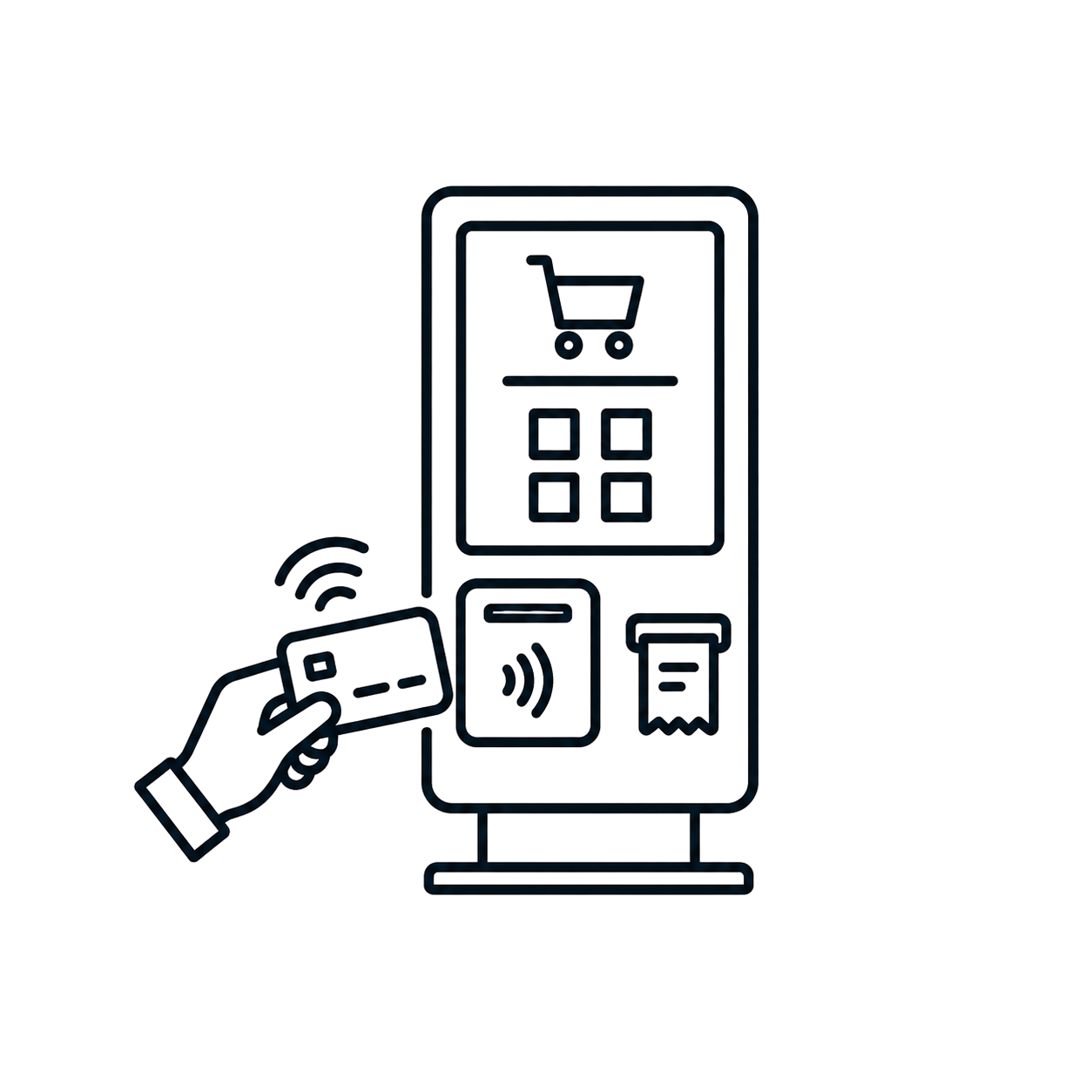
Align payment and receipt steps with the selected compatible hardware and software.
Position the kiosk to suit your venue and support a more organized ordering area.
Compare models and choose the best fit for your space.
| Category | Feature | KSSA270EA | KSSA320MA | KSSB270EA | KSSB320MA |
|---|---|---|---|---|---|
| MODEL | Brand | SAMSUNG | SAMSUNG | SAMSUNG | SAMSUNG |
| MODEL | Product Code | KSSA270EA | KSSA320MA | KSSB270EA | KSSB320MA |
| PANEL | Display Structure | Single-Sided | Single-Sided | Double-Sided | Double-Sided |
| PANEL | Panel Size | 27" | 32" | 27" | 32" |
| PANEL | Resolution | 1080 x 1920 | 1080 x 1920 | 1080 x 1920 | 1080 x 1920 |
| PANEL | Brightness (Typ.) | 300 cd/m² | 400 cd/m² | 300 cd/m² | 400 cd/m² |
| PANEL | Contrast Ratio | 1000:1 (Typ.) (TM) | 1200:1 (Typ.) (TM) | 1000:1 (Typ.) (TM) | 1200:1 (Typ.) (TM) |
| PANEL | Viewing Angle (H x V) | 178° x 178° | 178° x 178° | 178° x 178° | 178° x 178° |
| PANEL | Response Time (G-to-G) | 14 ms (G to G) | 8 ms (G to G) | 14 ms (G to G) | 8 ms (G to G) |
| PANEL | Active Display Area (mm) | 597.89 (H) x 336.31 (V) | 698.40 (H) x 392.85 (V) | 597.89 (H) x 336.31 (V) | 698.40 (H) x 392.85 (V) |
Samsun Self Order Kiosk
The product range includes 27-inch and 32-inch options. Compare the model codes and display specifications in the technical table when choosing a configuration.
The ordering, payment and kitchen workflow must be checked against your existing software and the selected kiosk configuration. Confirm compatible POS, payment and KDS integrations with Menureen before deployment.
Wall-mount, pole-mount and freestanding options are described for this product. The final mounting method, available space, power, network and cable routing should be confirmed for the selected model and venue.
We provide a wide selection of home types for you and your family and are free to choose a home model.