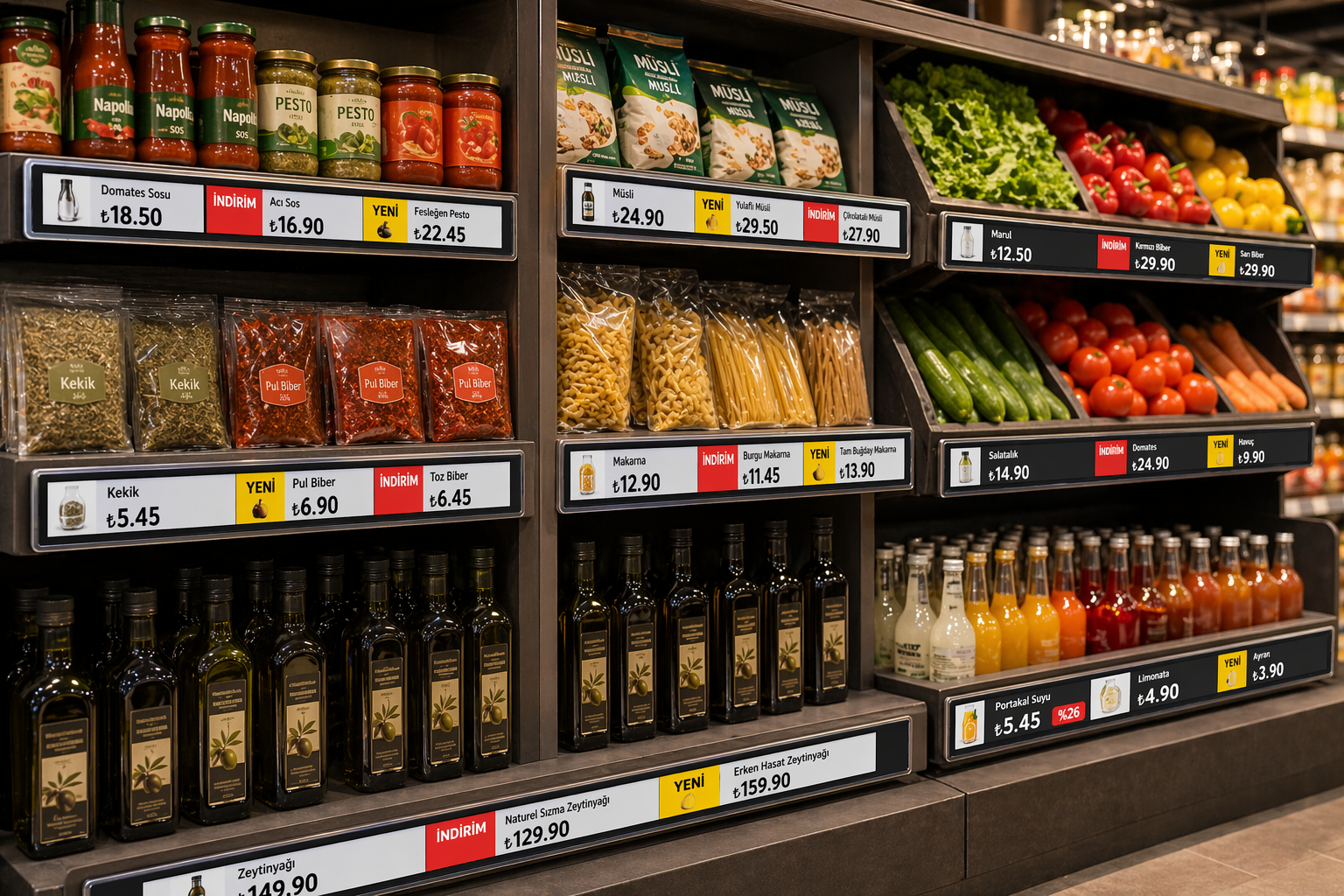
Keep shelf prices and product information consistent through centrally managed electronic shelf labels. Menureen ESL solutions use wireless communication and electronic displays to reduce the amount of paper-label replacement your team needs to organise.
Plan label sizes, mounting positions, gateway coverage and the source of your price data together. Check the chosen label’s specifications and the required POS or ERP connection before deployment; the integration scope depends on your system and configuration.
Explore Price Checker and Electronic Tabletop Menu for related information.
Prepare price and product changes in the connected ESL system instead of replacing each printed label. Confirm the product-data connection and review update results so the shelf information can be checked against the approved source.
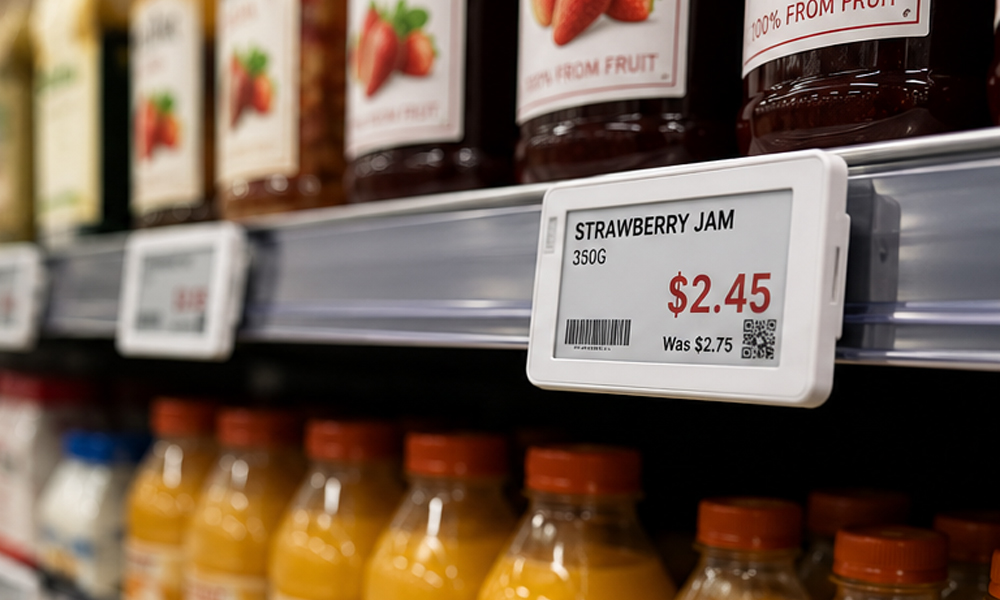
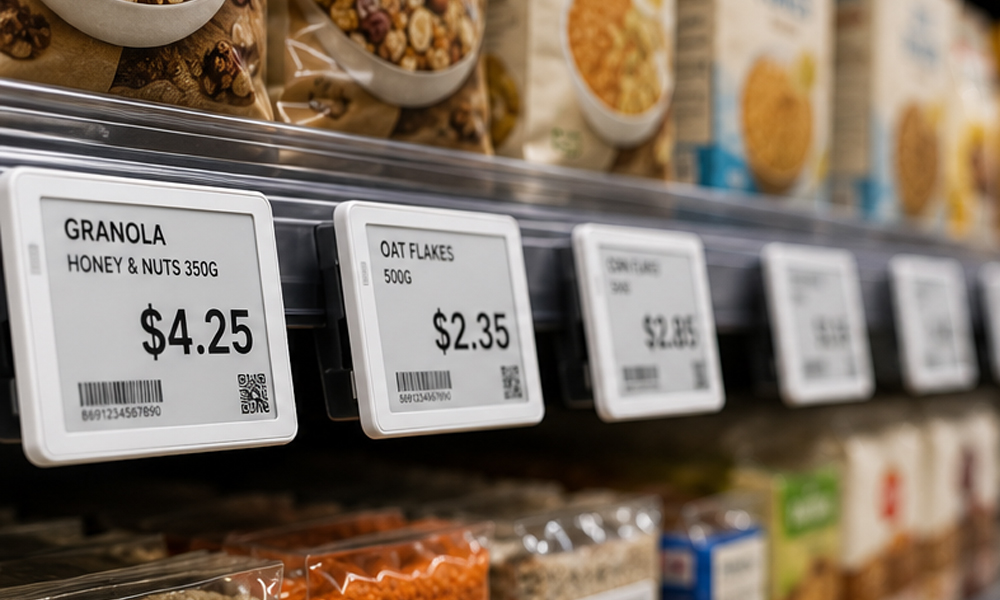
Choose label size and display layout around the information shoppers need. Plan shelf fittings, gateway coverage and the number of labels by area before rollout, with a pilot section to check readability and the update process.
Keep shelf prices and product information consistent through centrally managed electronic shelf labels. Menureen ESL solutions use wireless communication and electronic displays to reduce the amount of paper-label replacement your team needs to organise.
Keep shelf prices and product information consistent through centrally managed electronic shelf labels. Menureen ESL solutions use wireless communication and electronic displays to reduce the amount of paper-label replacement your team needs to organise.
Plan label sizes, mounting positions, gateway coverage and the source of your price data together. Check the chosen label’s specifications and the required POS or ERP connection before deployment; the integration scope depends on your system and configuration.
Share the intended use, number of locations, existing equipment and software, and your content or service workflow. Menureen can use these details to discuss the configuration and scope for your project.