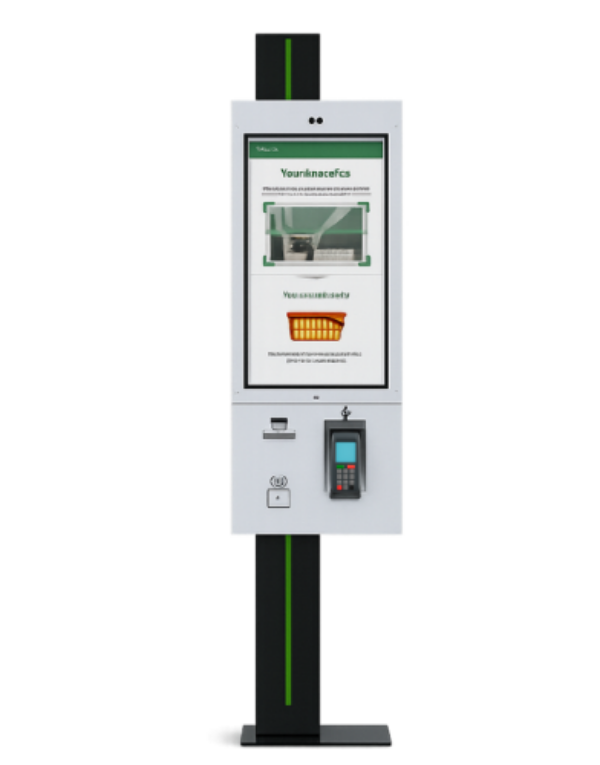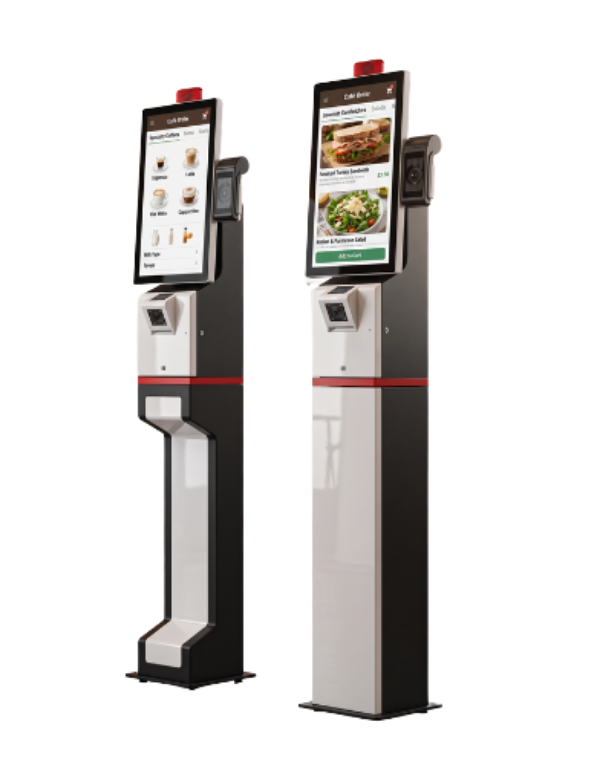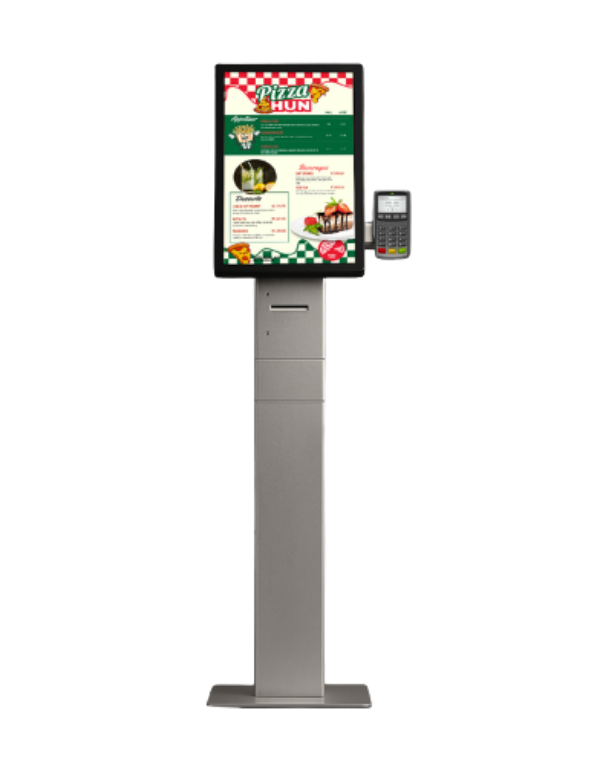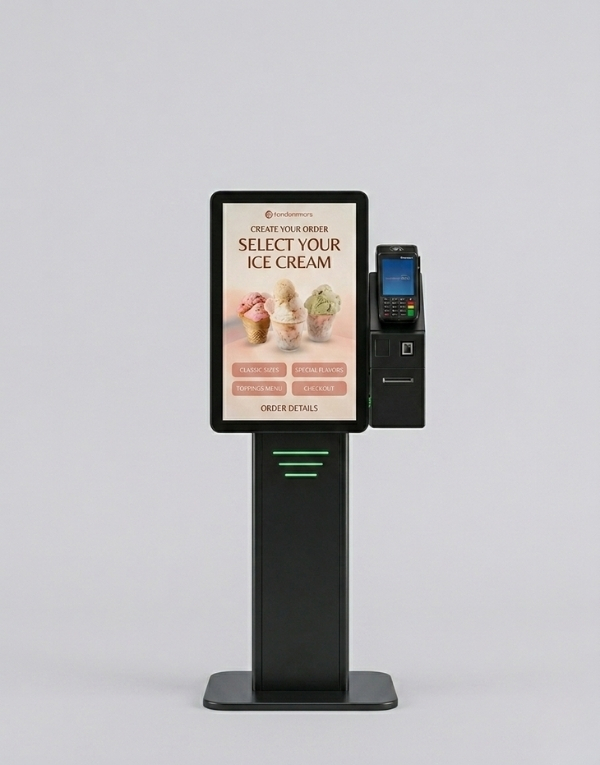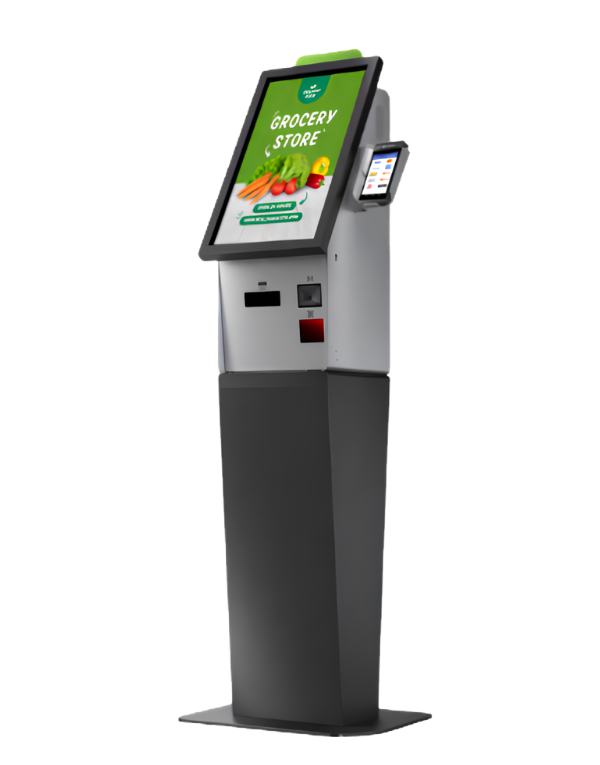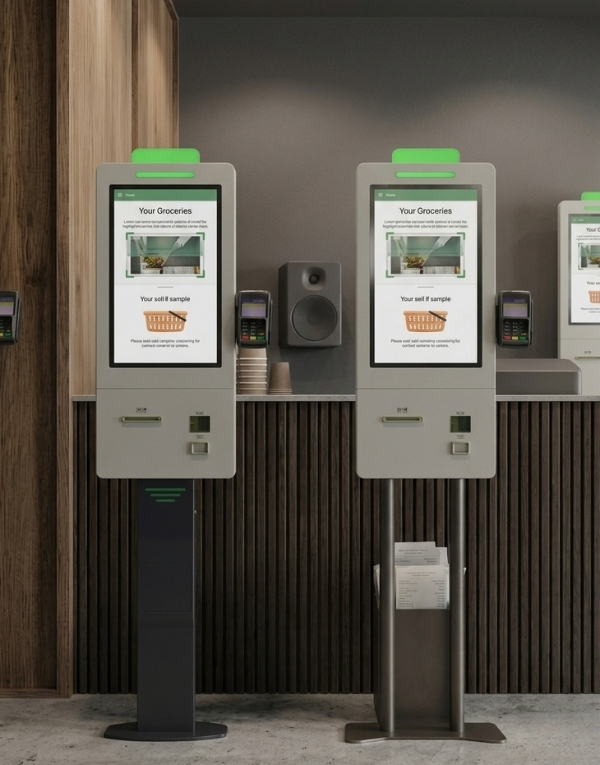
With Mersin Self Order Kiosk, Menureen offers a self-ordering kiosk for restaurant menu selection and ordering. The listed screen sizes are 21.5″.
Plan its position around the customer journey and staff assistance. Check the selected model’s screen, mounting and peripheral options, then confirm software and payment compatibility for your project.
Explore Self Order for related information.
Compare models and choose the best fit for your space.
| Category | Feature | Value |
|---|---|---|
| PANEL | Panel Size | 21.5" |
| Resolution | 1080 x 1920 | |
| Brightness (Typ.) | 500 cd/m² | |
| Contrast | 1350:1 (Typ.) (TM) | |
| Viewing Angle (H x V) | 178° x 178° | |
| Response Time (G-to-G) | 14 ms (G to G) | |
| Active Display Area (mm) | 476.05 (H) x 268.59 (V) | |
| TOUCH SCREEN | Touch Technology | Projected Capacitive |
| Touch Points | 10 Points Multi-touch | |
| Glass Hardness | 6H (Min.) | |
| INTERNAL PLAYER (OPTIONAL) | CPU | Quad Core |
| RAM | 4GB | |
| HDD | 32GB | |
| Operating System | Android 11 | |
| I/O | HDMI, USB, Ethernet, WiFi | |
| POWER | Power Requirement | AC 198 - 249 V~ (+/- 10%) 50/60 Hz |
| Average Power Consumption | 32W | |
| Standby Mode | <0.5 | |
| OPERATION | Operation Life | 24/7 - 59,595 hours |
| Working Conditions | Operating Temp.: 0~50°C; Storage Temp.: -20~60°C | |
| Humidity | 10 - 89% | |
| DIMENSIONS | Unit Size (mm) W x H x D | 917 x 378 x 161 |
| Unit Package Size (mm) | 989 x 593 x 246 | |
| Product Weight (kg) | 39 | |
| Package Weight (kg) | 35 | |
| Stand Size (mm) | 783 x 196 x 59 | |
| Stand Package Size (mm) | 845 x 475 x 195 | |
| Stand Weight (kg) | 15 | |
| ACCESSORIES | Audio | 8Ω, 5W x 2 |
| Thermal Printer | 80mm | |
| 1D/2D Barcode Reader | 640x480px, 30 times/sec | |
| OTHER | Included in Package | Easy Installation Guide, Warranty Document, Power Cable |
With Mersin Self Order Kiosk, Menureen offers a self-ordering kiosk for restaurant menu selection and ordering. The listed screen sizes are 21.5″.
Plan its position around the customer journey and staff assistance. Check the selected model’s screen, mounting and peripheral options, then confirm software and payment compatibility for your project.
Share the intended use, number of locations, existing equipment and software, and your content or service workflow. Menureen can use these details to discuss the configuration and scope for your project.
We provide a wide selection of home types for you and your family and are free to choose a home model.