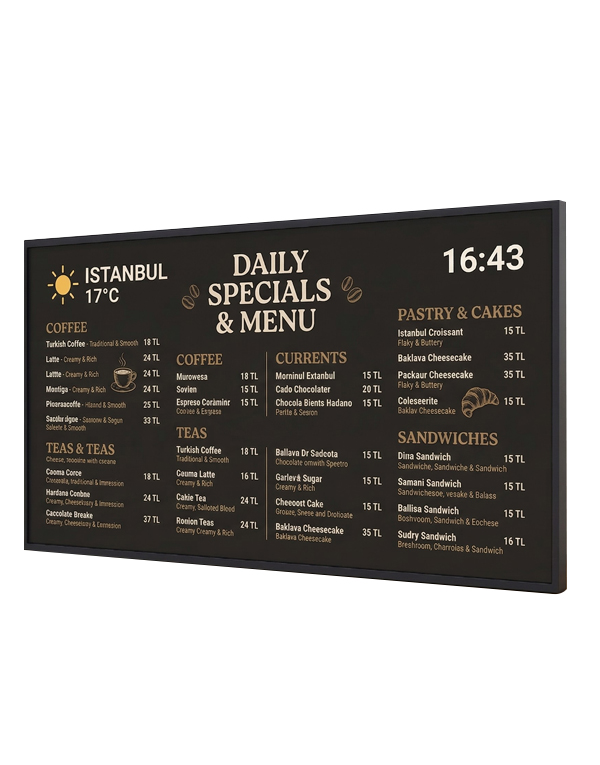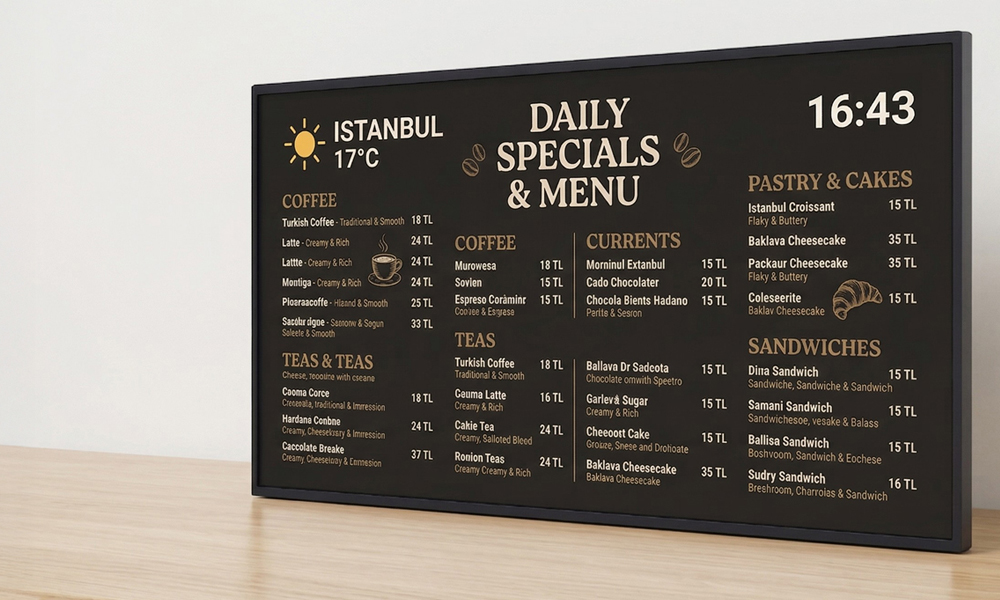
Keep menus, prices and promotions clear across your restaurant screens. Menureen digital menu boards combine commercial displays with centralised content management, so your team can update the information customers see without replacing printed boards.
Use one screen in a café or coordinate menu displays across several locations. Present breakfast, lunch and evening menus, highlight relevant offers and keep layouts consistent with your brand. Screen formats and content plans can be matched to your counter, viewing distance and daily service routine.
Explore LCD menu boards, LED menu boards and video wall menu boards, together with digital menu board software. We can help you plan the display layout and content workflow around your operation.
Present menu categories, prices and offers in a layout customers can scan from the counter. Choose text sizes, contrast and the amount of information for the real viewing distance, keeping key items clear rather than crowding every screen.
Keep Prices and Promotions Current
When a price or offer changes, update the connected menu screens through your content workflow. Digital menu board software supports centralised publishing, helping teams keep on-screen information consistent.
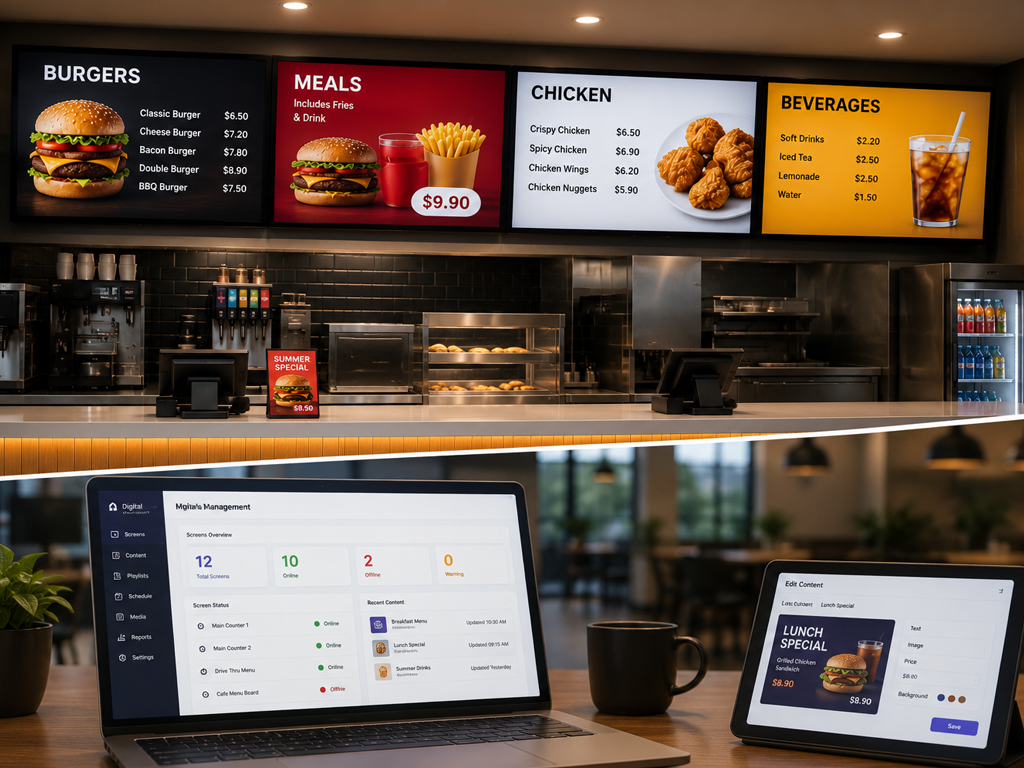
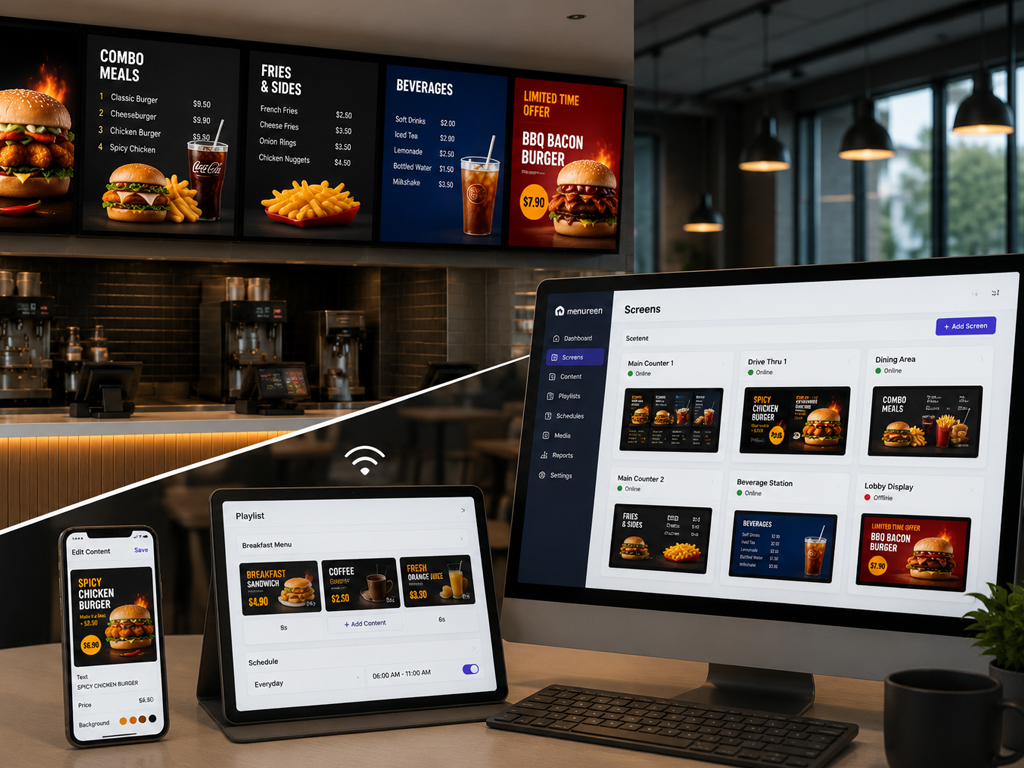
Match the screen layout to the way customers choose and order. A compact café counter, a busy quick-service restaurant and a multi-screen menu wall need different arrangements. Compare the available display formats before planning the content.
Coordinate Content Across Locations
Define shared menu layouts and decide where local prices or offers are needed. A clear publishing routine with a content management system helps your team manage changes across connected screens without rebuilding every menu from scratch.
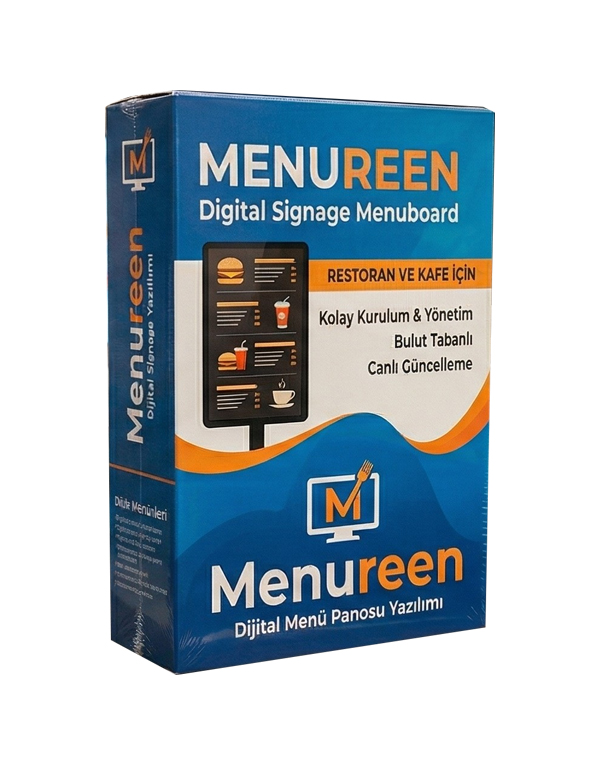
A typical setup includes a suitable commercial display, a content playback device or compatible built-in player, menu layouts and software for publishing updates. The right combination depends on screen size, location, connectivity and how your team manages the menu. Explore our menu board software alongside the display options.
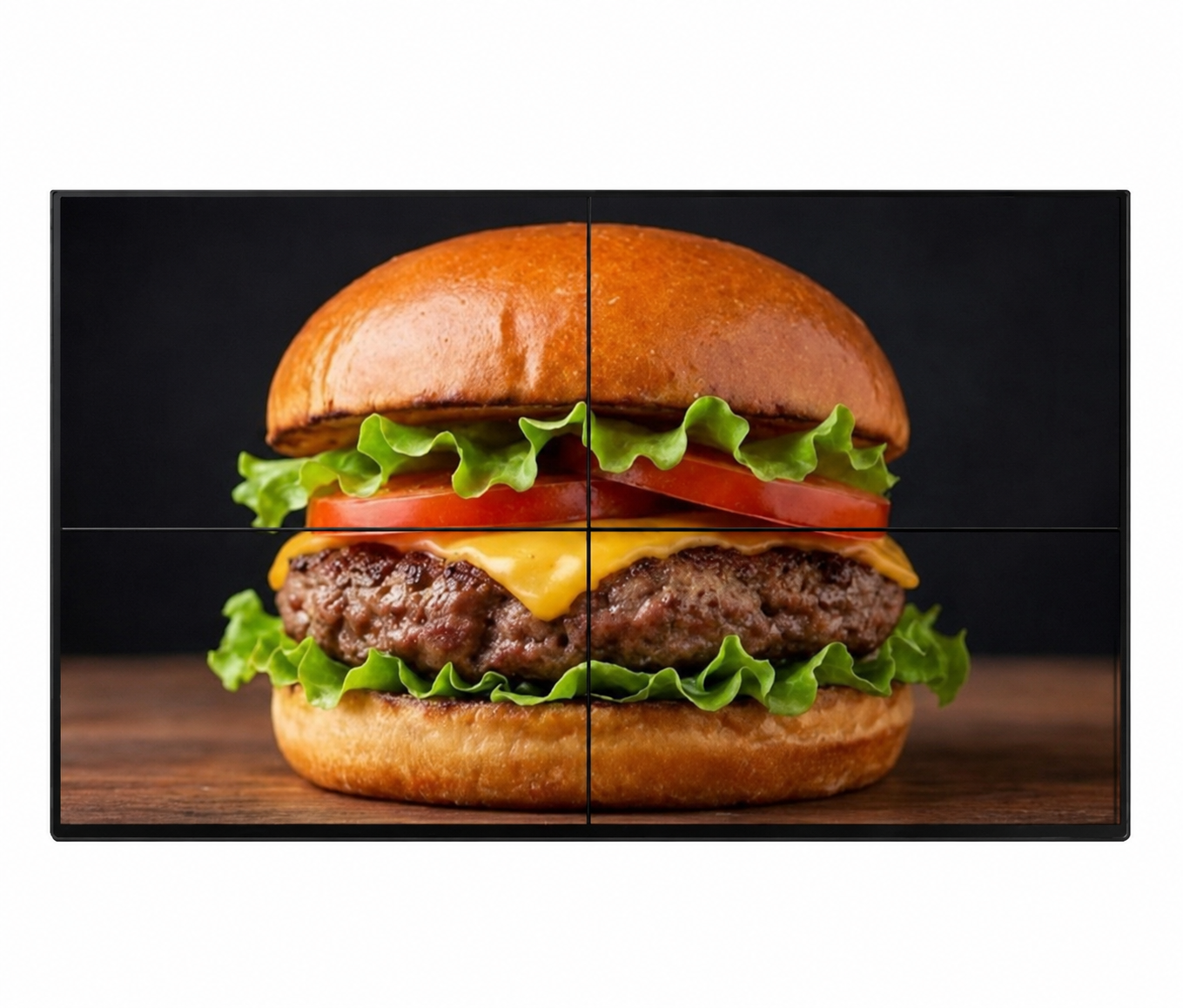
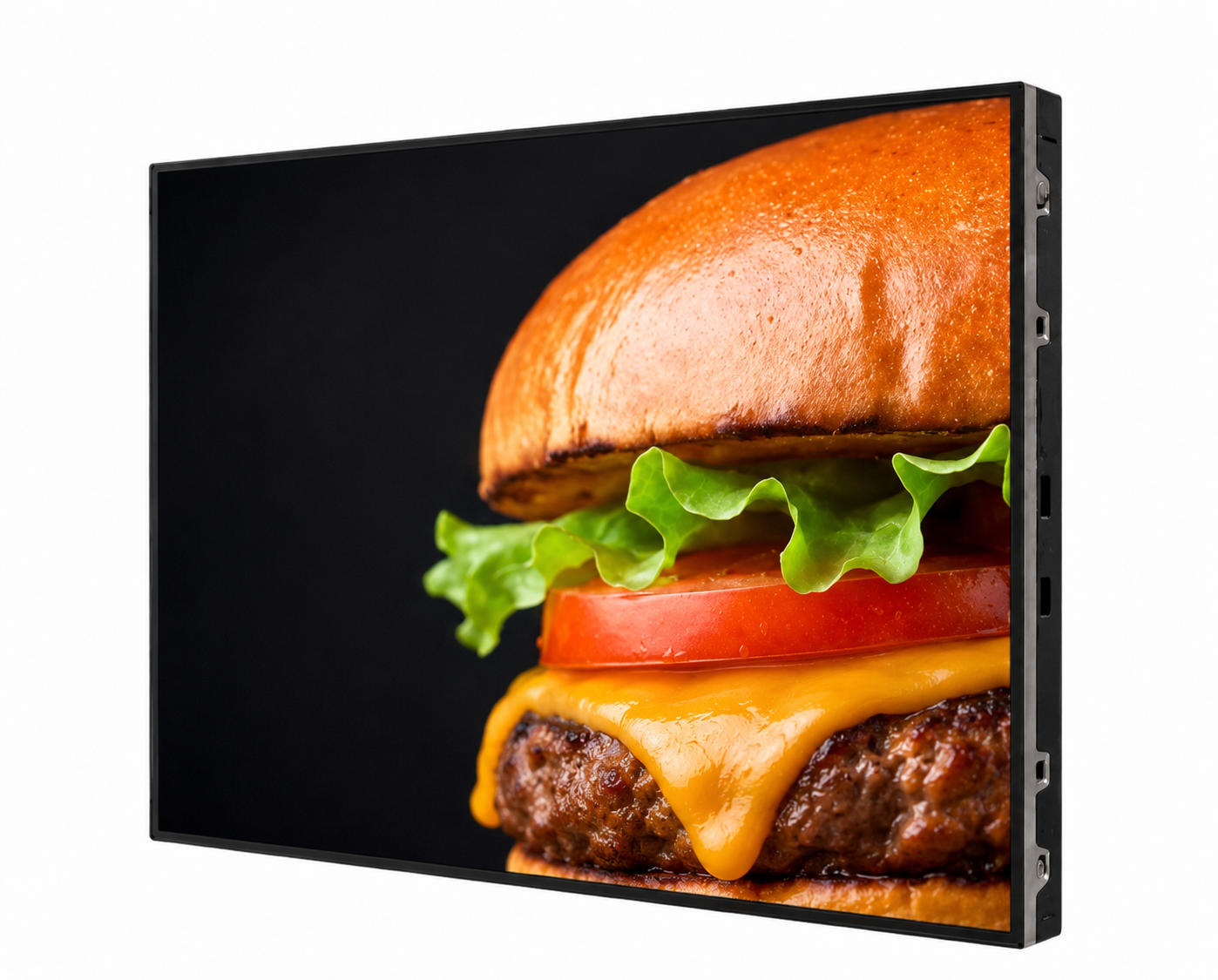
Start with the available space, viewing distance and amount of menu information. Compare LCD menu boards for individual screen layouts, video wall menu boards for multi-screen presentations and LED menu boards for larger display formats. Resolution, brightness and installation requirements should be checked for the chosen model.
Centralised content management lets your team coordinate menu information across connected displays. Plan which prices, offers and layouts are shared and which need local updates. The content management system and selected player configuration should be matched to your locations and publishing workflow.
The screen type, size and quantity, mounting arrangement, playback hardware, software and content preparation all affect the project scope. Share your counter layout, viewing distances and number of locations when requesting a proposal. This makes it easier to compare a complete setup rather than screen prices alone.