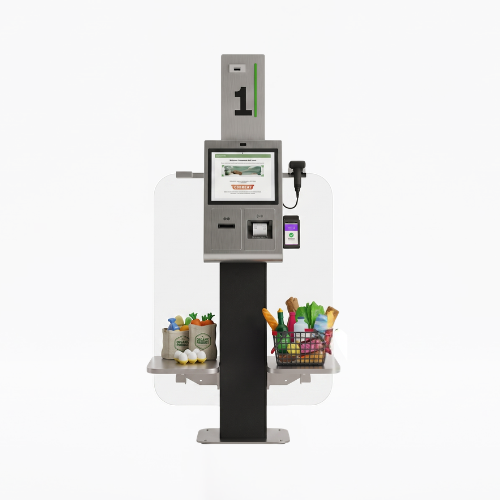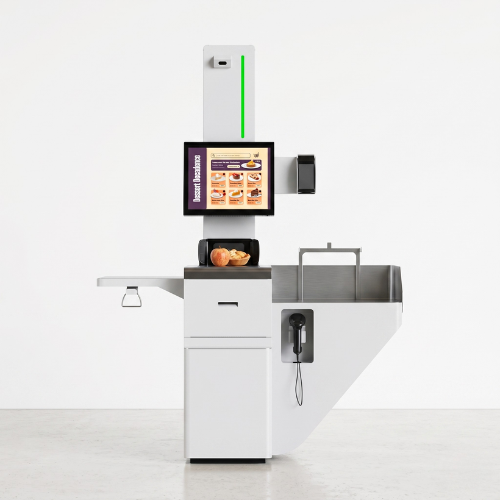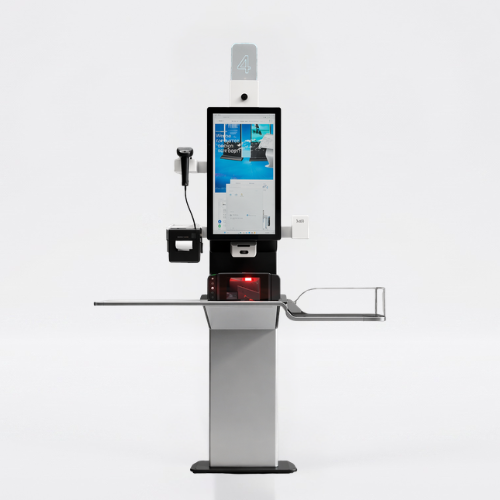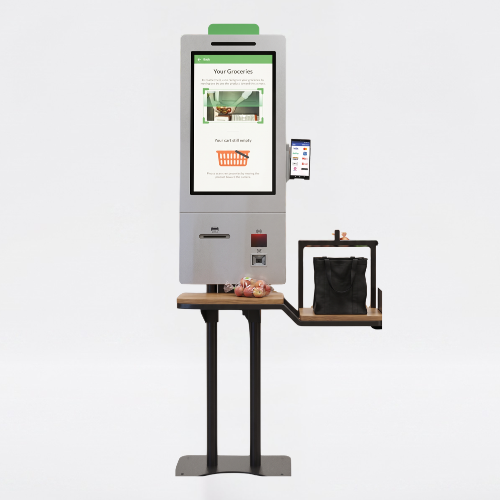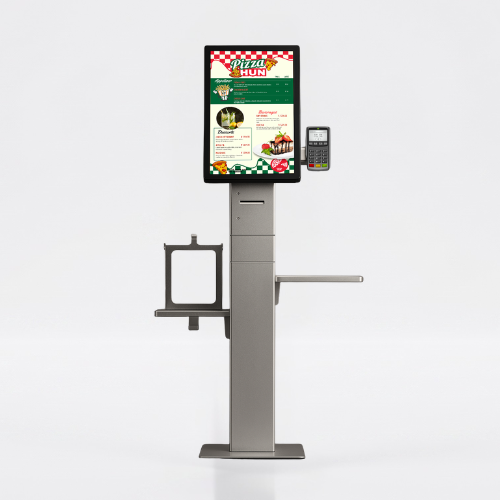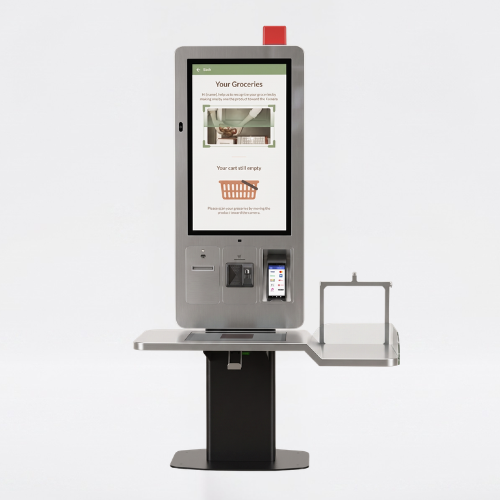
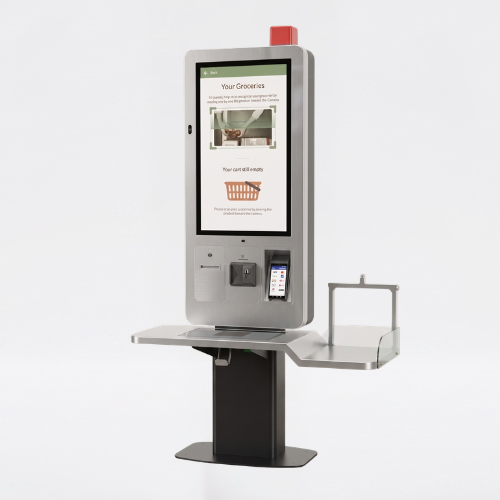
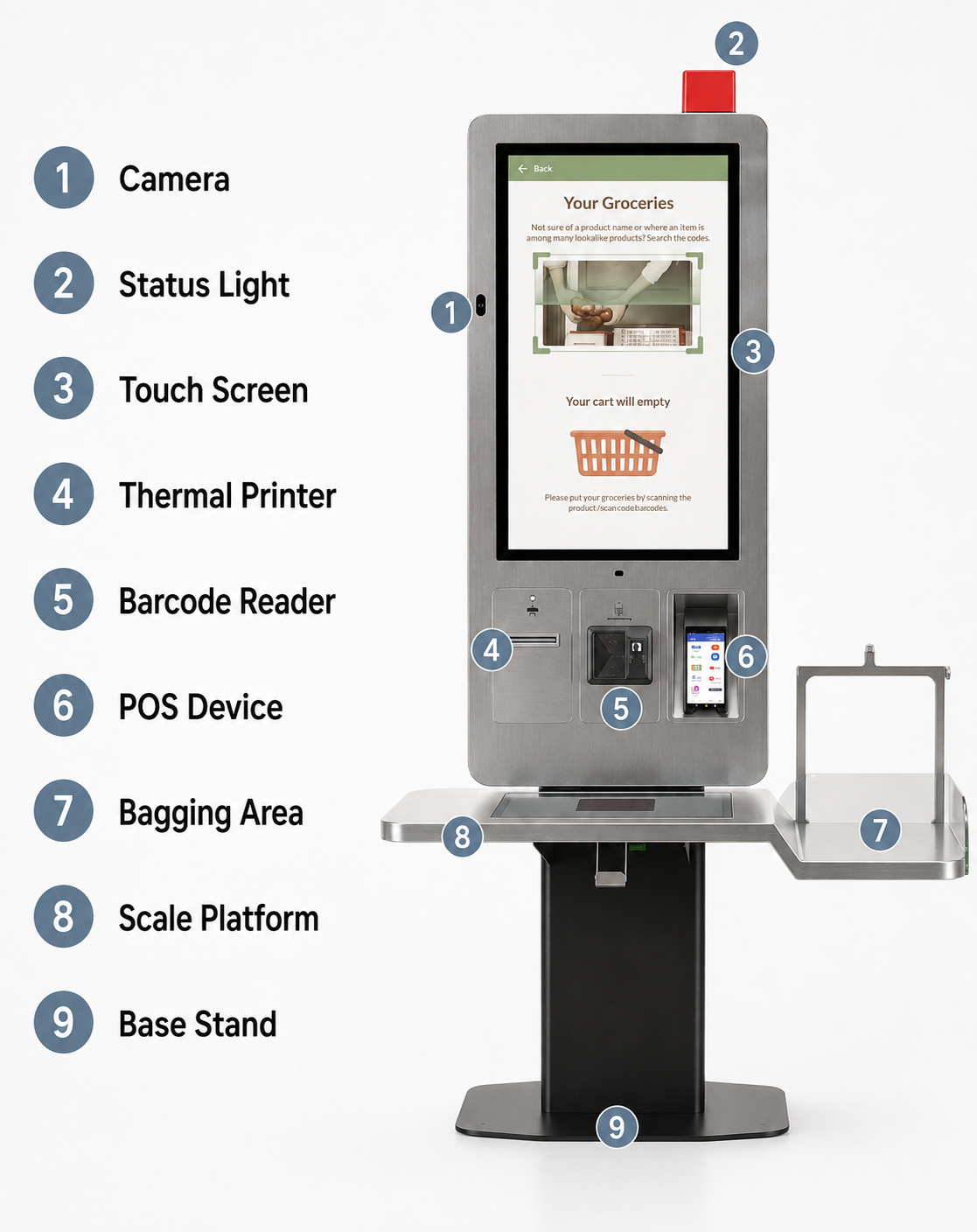
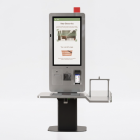
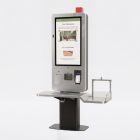
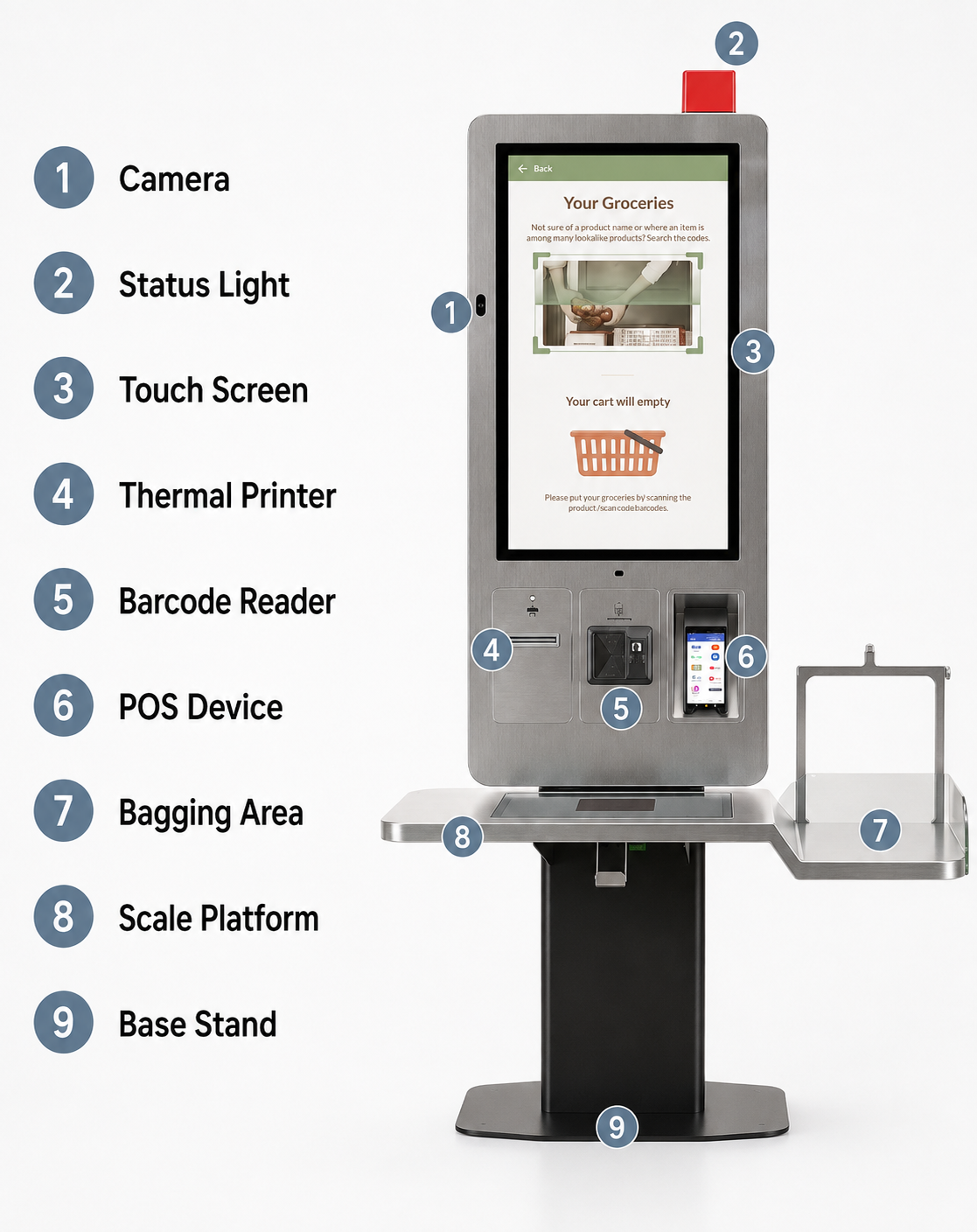
With Samsun Self Checkout Kiosk, Menureen offers a self-checkout kiosk for completing retail purchases. The listed screen sizes are 27″, 32″.
Plan its position around the customer journey and staff assistance. Check the selected model’s screen, mounting and peripheral options, then confirm software and payment compatibility for your project.
Explore Self Checkout for related information.
Busy checkout areas can bring queues and repeated requests for assistance. Self-service requires more than a terminal: scanning, payment, exceptions and staff support must work as one process.
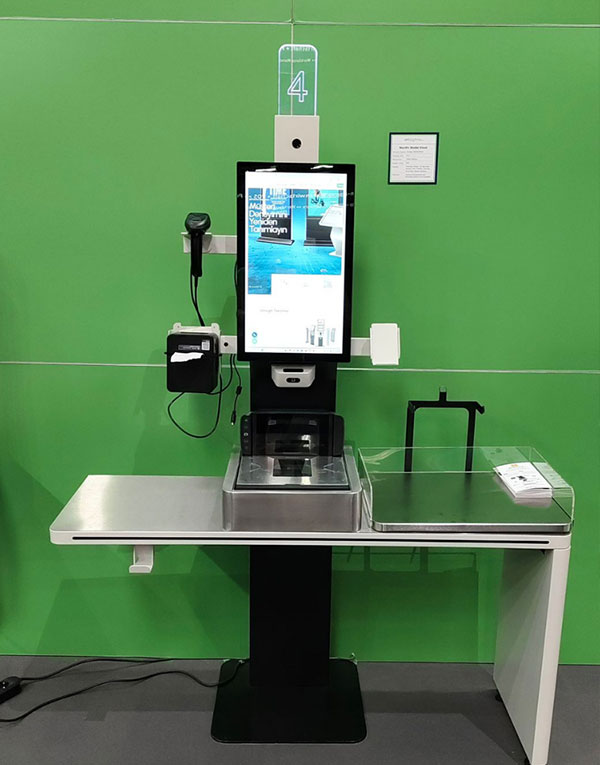
Provide a station where customers can complete supported checkout steps themselves. Select scanners, payment devices and other peripherals for the project, with a clear procedure for staff intervention.
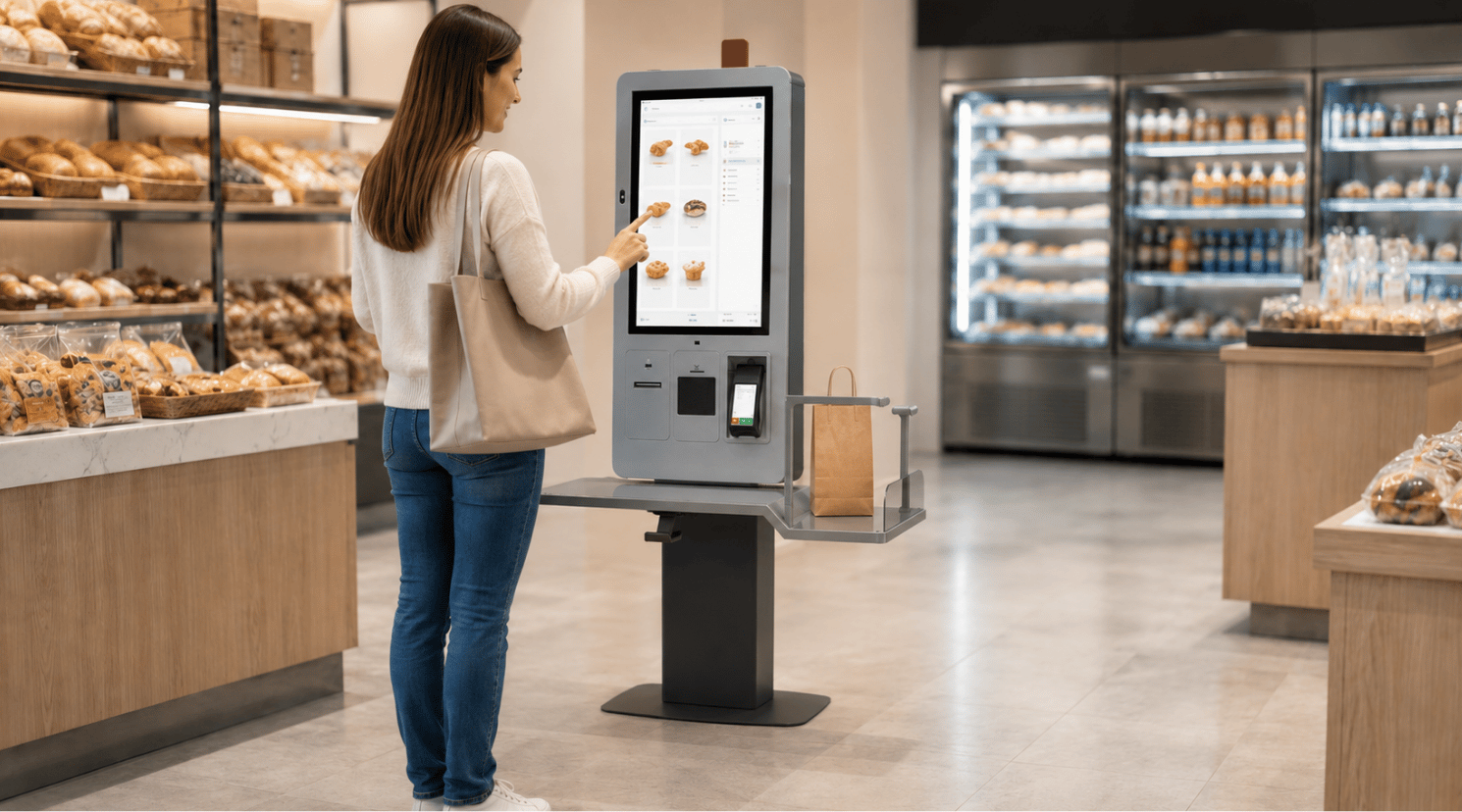


Plan the station around basket size, available floor space and the route to the exit. Confirm the store software integration and test the customer journey, including cases that need assistance.
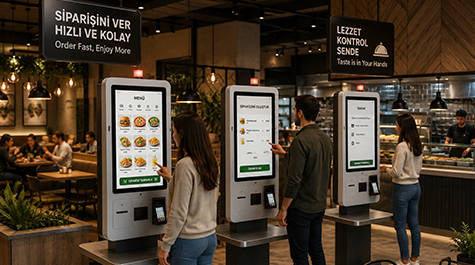
Provides fast ordering and payment.
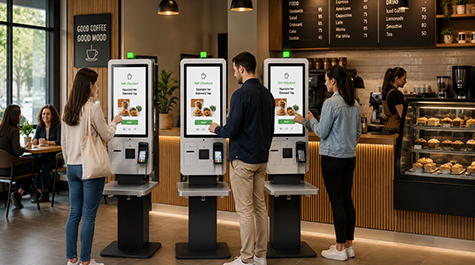
Manages customer flow more smoothly.
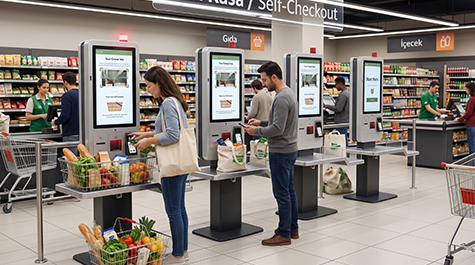
Offers practical solutions in crowded areas.


Easy use for every user.

Makes transactions easier to understand.

Simplifies the ordering process.
Compare models and choose the best fit for your space.
| Display Structure | Double-Sided |
| Panel Size | 27"-32" |
| Resolution | 1080 x 1920 |
| Brightness (Typ.) | 350 cd/m² |
| Contrast | 1000:1 (Typ.) (TM) |
| Viewing Angle (H x V) | 178° x 178° |
| Response Time (G-to-G) | 14 ms (G to G) |
| Active Display Area (mm) | 597.89 (H) x 336.31 (V) |
| Touch Technology | Projected Capacitive |
| Touch Points | 10 points Multi-touch |
| Glass Hardness | 6H (min.) |
| CPU | Quad Core |
| RAM | 4GB |
| HDD | 32GB |
| OS | Android 11 |
| I/O | HDMI, USB, ETHERNET, WIFI |
| Power Requirement | AC 198 - 249 V~ (+/- 10 %) 50/60 Hz |
| Power Consumption (Avg.) | 2*22W |
| Operation Life | 7/24 - 50.000 hours |
| Working Conditions | Operation Temp.: 0~50 °C; Storage Temp.: -20~60 °C |
| Humidity | 10 - 88% |
| Unit Size (mm) (w x h x d) | 1690 x 485 x 109 |
| Unit Package Size (mm) | 1165 x 529 x 459 |
| Product Weight (kg) | 65 |
| Package Weight (kg) | 79 |
| Stand Size (mm) | 608 x 269 x 195 |
| Stand Package Size (mm) | 678 x 219 x 479 |
| Stand Weight (kg) | 25 |
| Audio | 8Ω, 5W x 2 |
| Thermal Printer | 58mm |
| 1D/2D Barcode Reader | 648x480p, 30times/sec |
| Optional | Floor Stand & Logo & Brand Color Customization |
| Included in Package | Easy Installation Guide, Warranty Document, Power Cable |
Find answers to common questions about the usage, advantages, and practical solutions offered by Samsun Self Checkout Kiosk.
It can be used in restaurants, cafes, shopping malls, and busy service areas.
Yes, its simple interface helps customers complete transactions easily.
It speeds up ordering and payment processes while reducing waiting times.
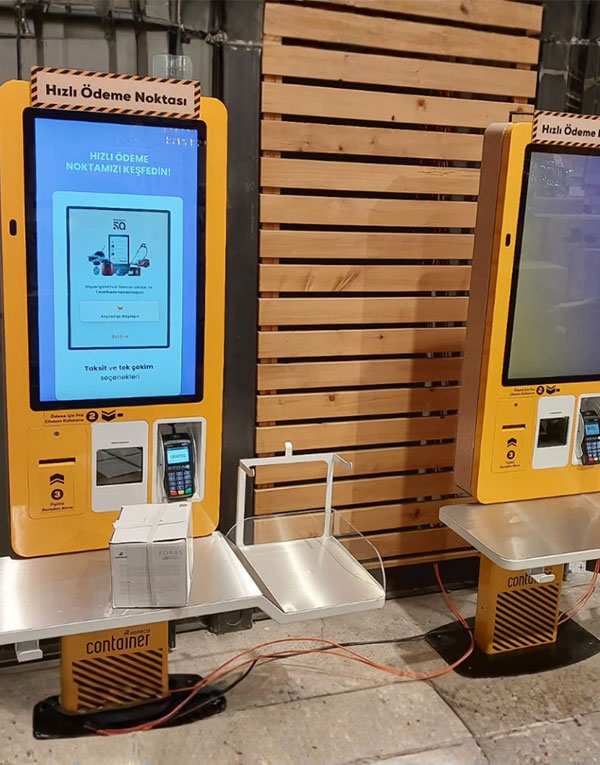
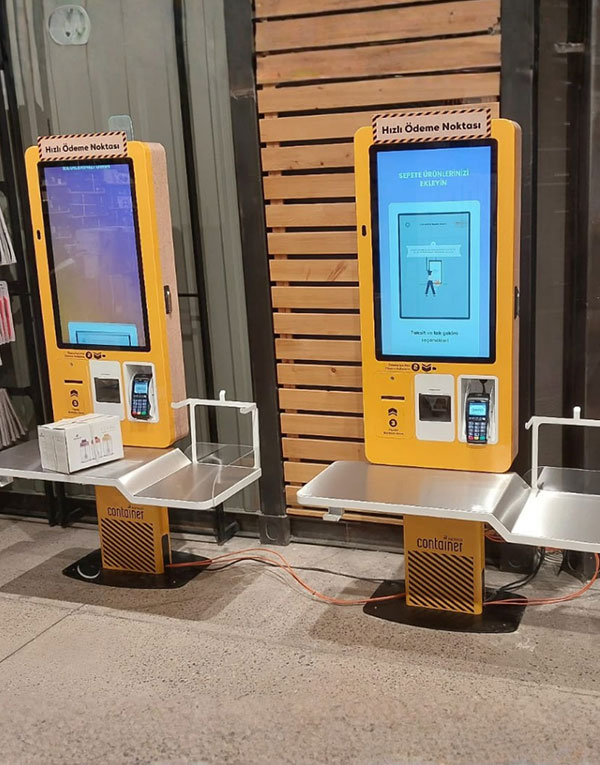
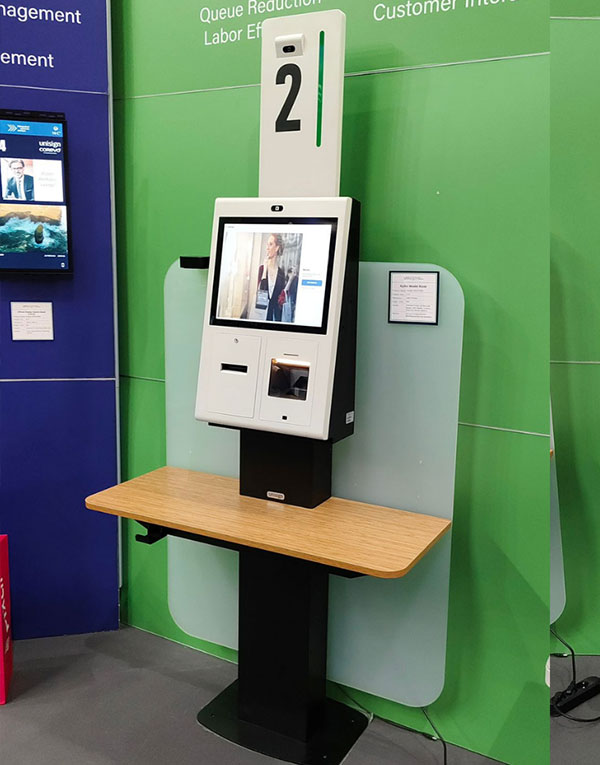
Explore the modern design, large screen structure, and different usage details of Samsun Self Checkout Kiosk in the gallery section.
We provide a wide selection of home types for you and your family and are free to choose a home model.