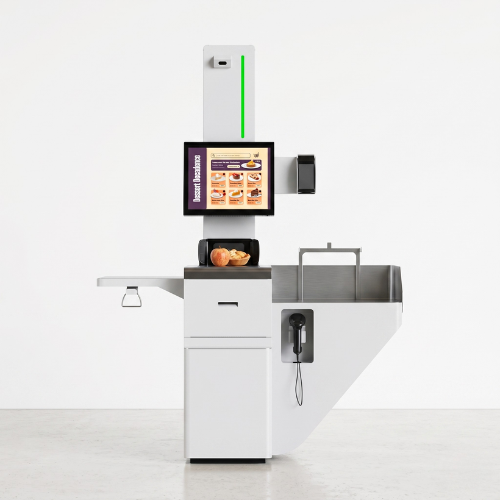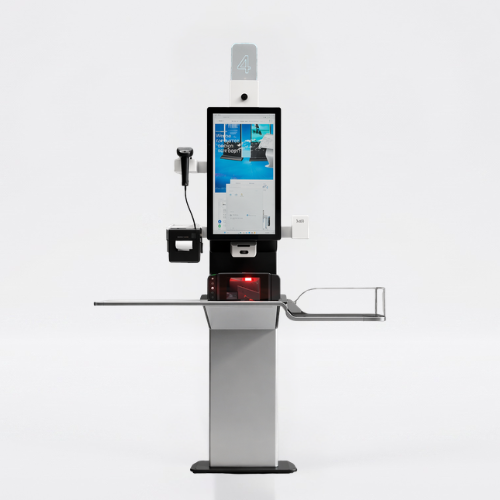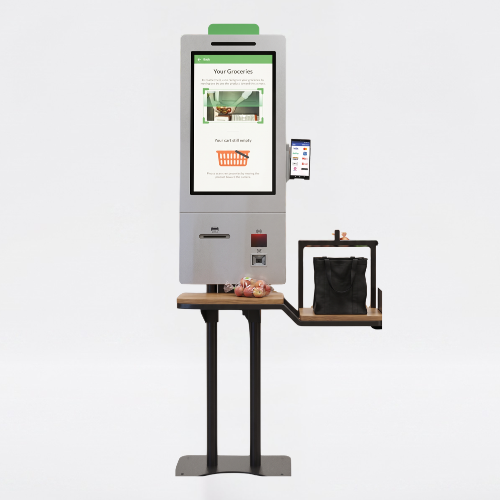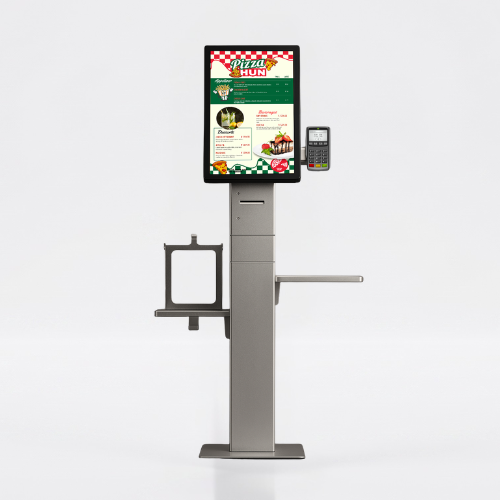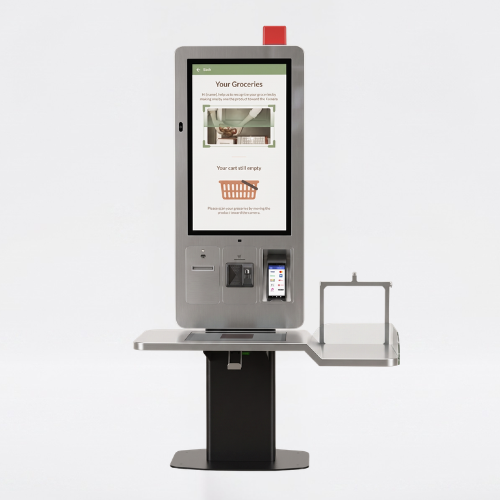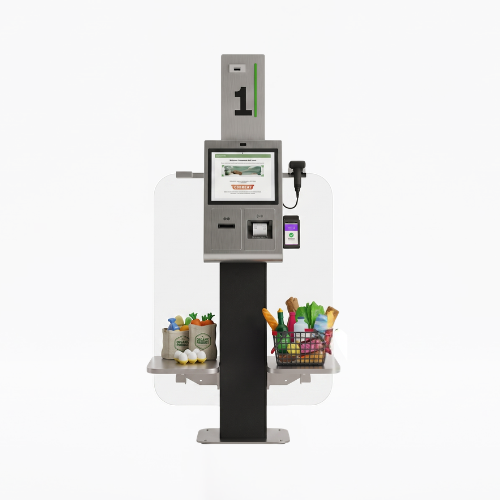
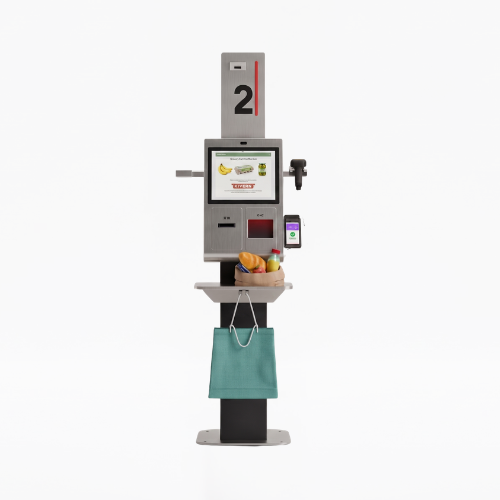
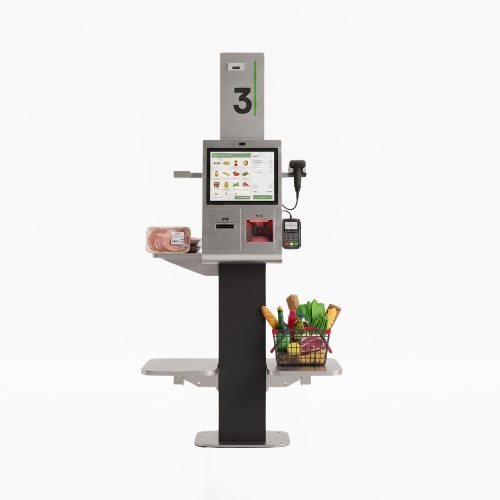
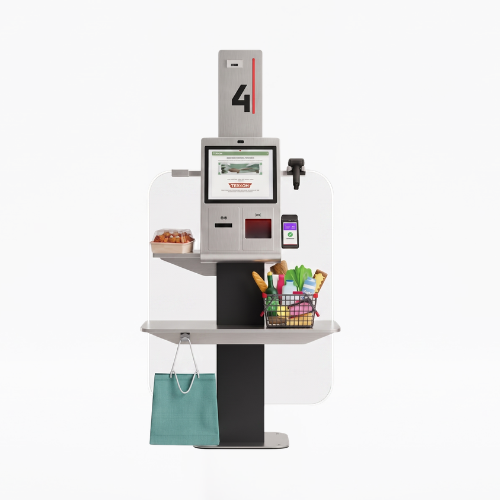
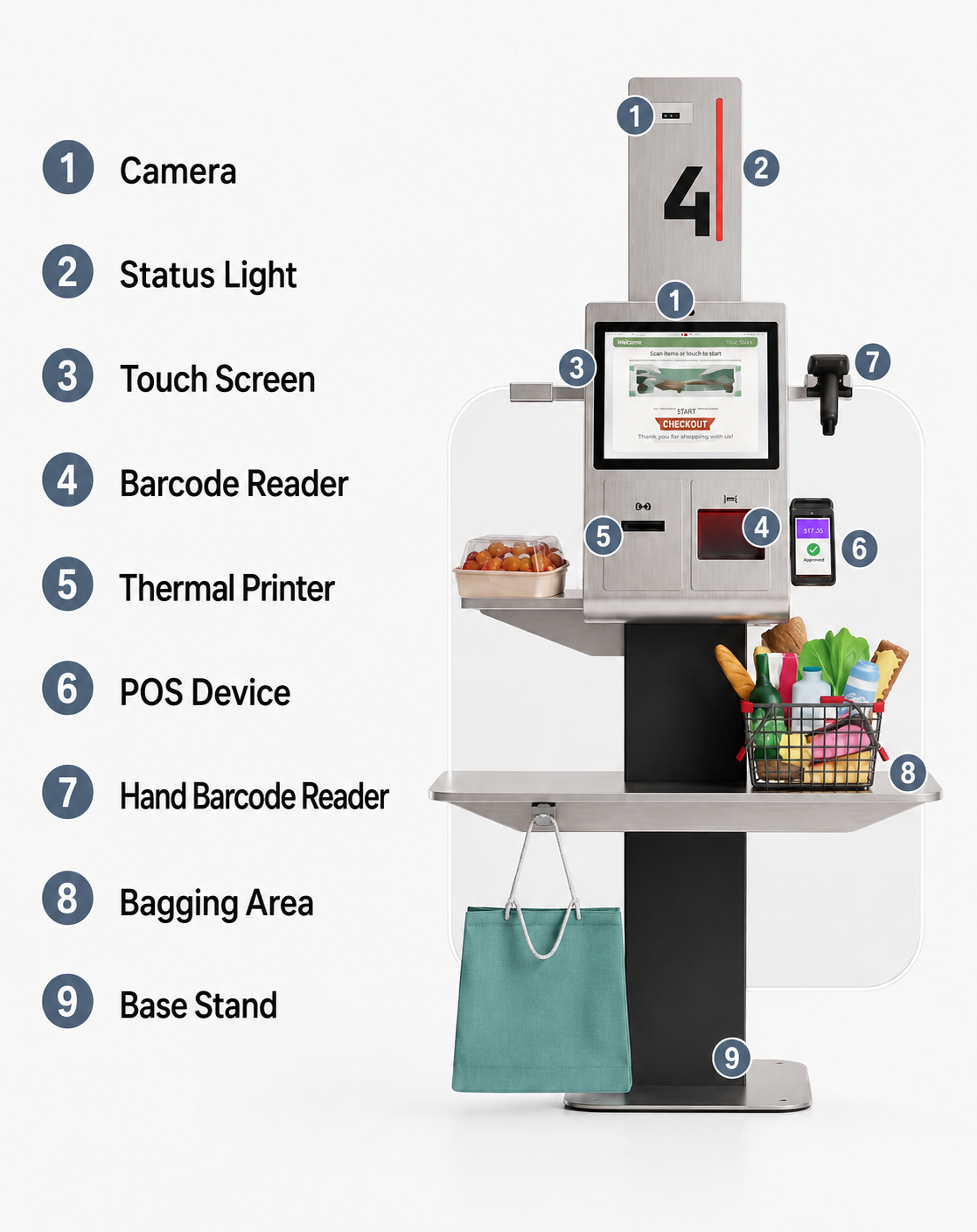
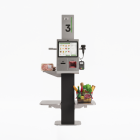
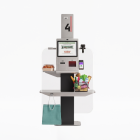
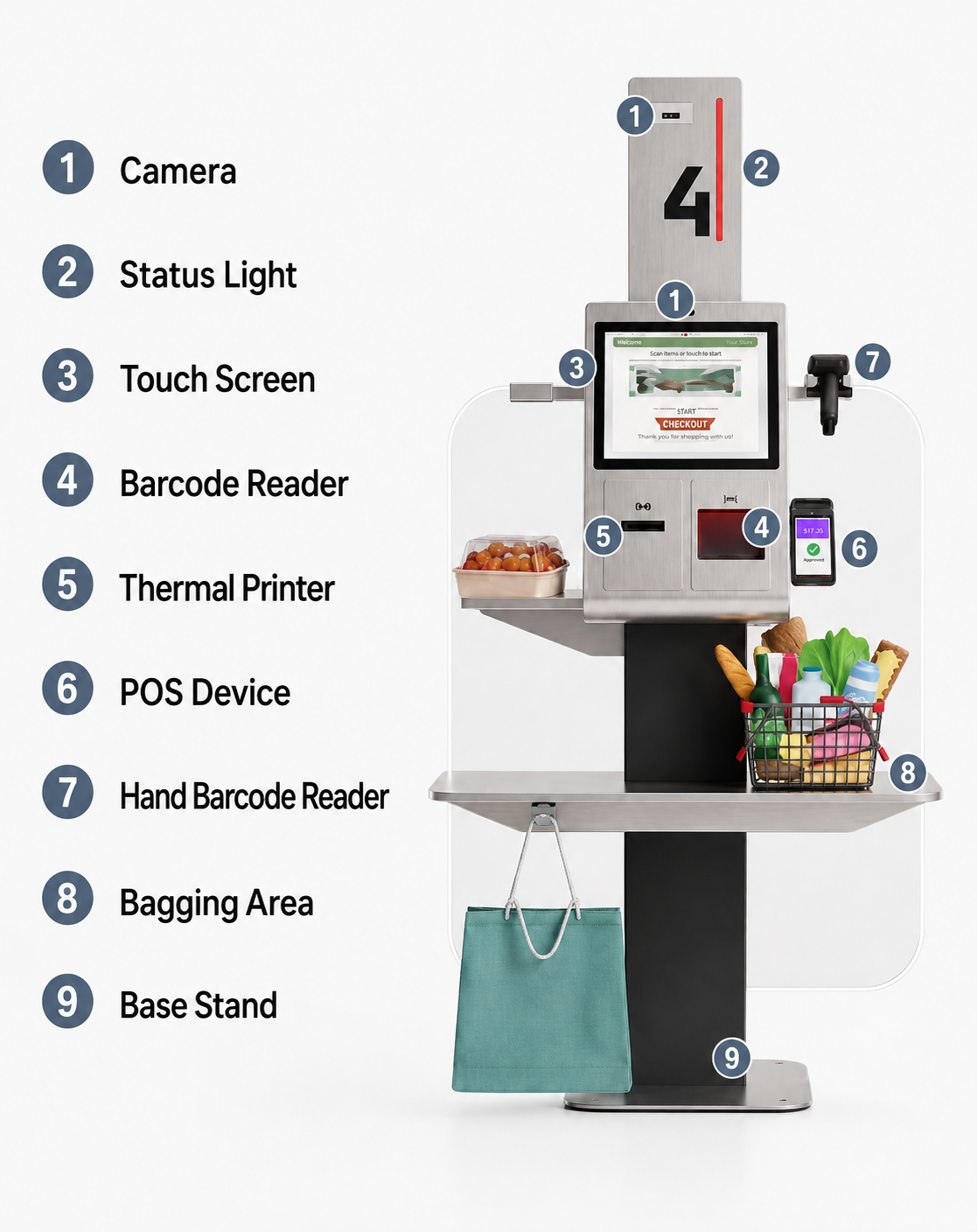
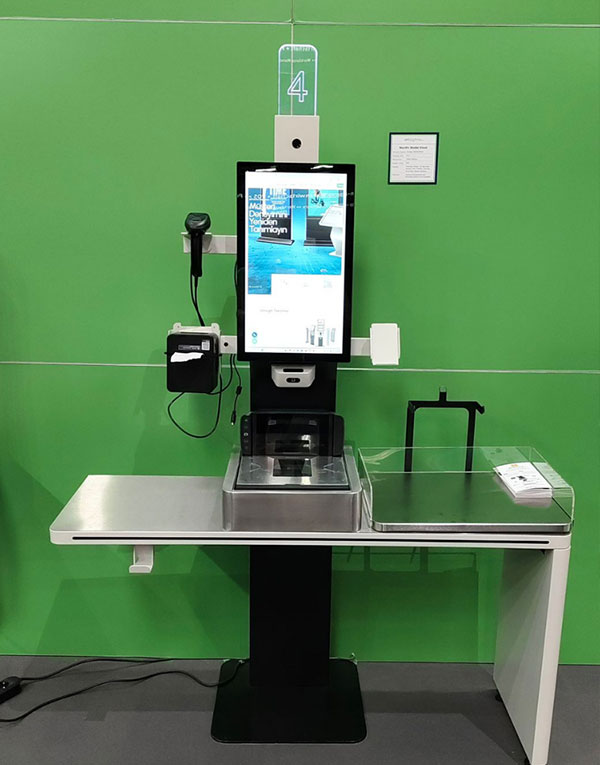
With Aydın Self Checkout Kiosk, Menureen offers a self-checkout kiosk for completing retail purchases. The listed screen sizes are 17″.
Plan its position around the customer journey and staff assistance. Check the selected model’s screen, mounting and peripheral options, then confirm software and payment compatibility for your project.
Explore Self Checkout for related information.
Busy checkout areas can bring queues and repeated requests for assistance. Self-service requires more than a terminal: scanning, payment, exceptions and staff support must work as one process.
Provide a station where customers can complete supported checkout steps themselves. Select scanners, payment devices and other peripherals for the project, with a clear procedure for staff intervention.
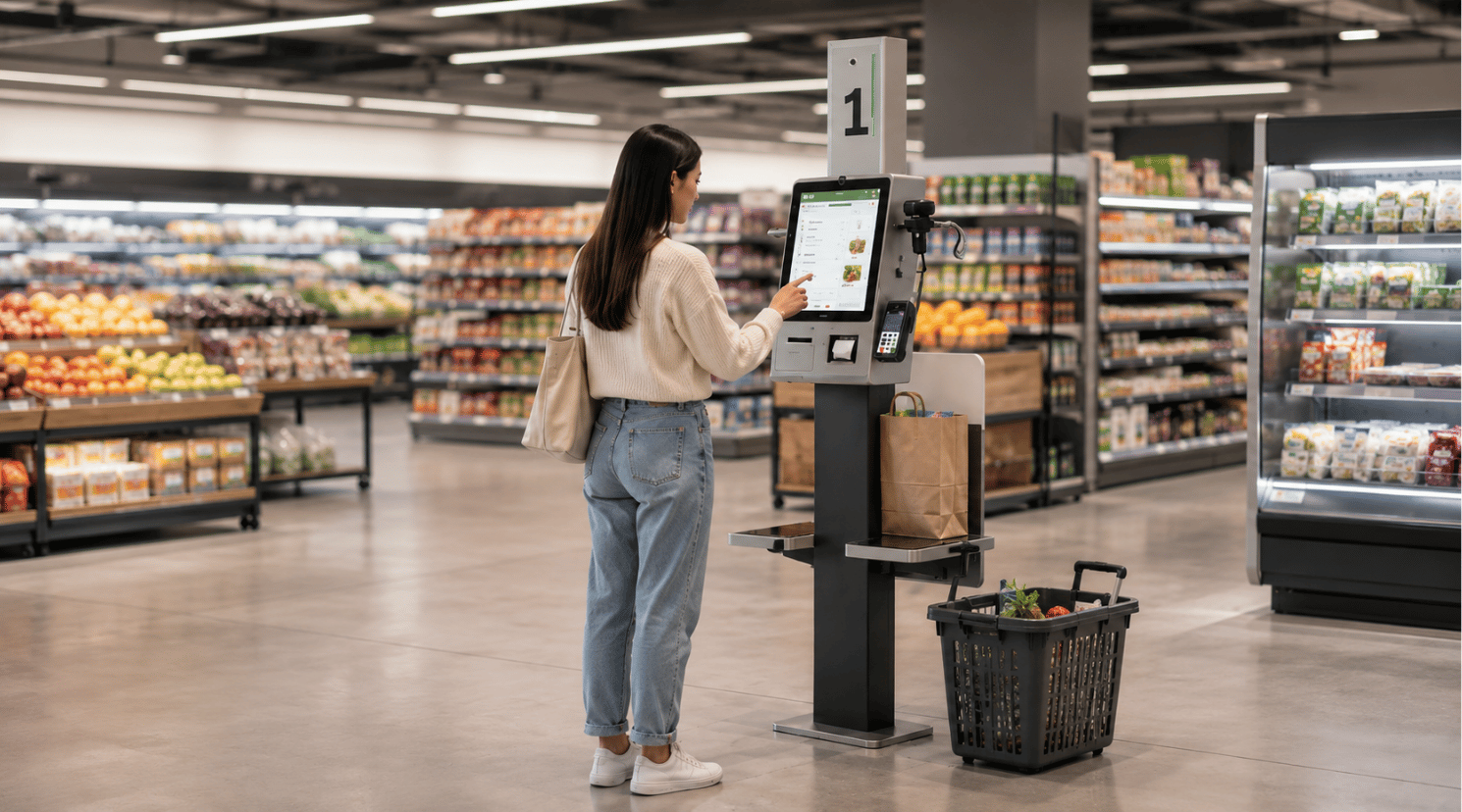

Plan the station around basket size, available floor space and the route to the exit. Confirm the store software integration and test the customer journey, including cases that need assistance.
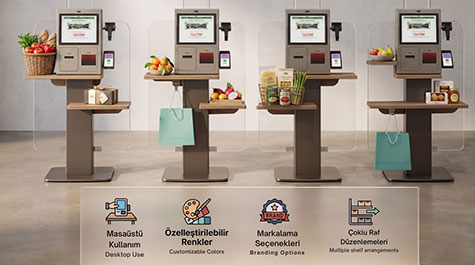
Provide a dedicated station for supported self-checkout steps.
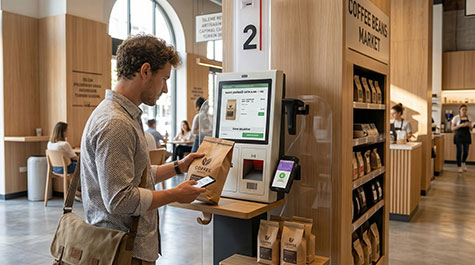
Plan checkout around the items and payment methods used at the venue.
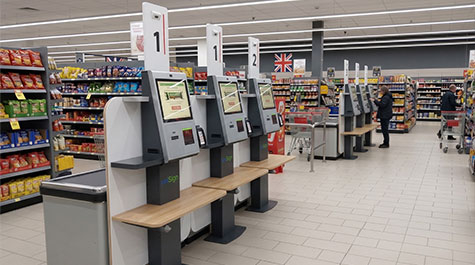
Position the station around customer flow and staff assistance.


Separate supported checkout steps from the staffed counter.

Guide customers through the configured checkout process.

Keep a clear route to help when a transaction needs attention.
Compare models and choose the best fit for your space.
| Panel Size | 17" | |
| Resolution | 1280 x 1024 | |
| Brightness (Typ.) | 350 cd/m² | |
| Contrast | 1000:1 (Typ.) (TM) | |
| Viewing Angle (H x V) | 170° x 160° | |
| Response Time (G-to-G) | 25 ms (G to G) | |
| Active Display Area (mm) | 337.920(H) x 270.336(V) | |
| Touch Technology | Projected Capacitive | |
| Touch Points | 10 points Multi-touch | |
| Glass Hardness | 6H (min.) | |
| CPU | Quad Core | |
| RAM | 4GB | |
| HDD | 32GB | |
| OS | Android 11 | |
| I/O | HDMI, USB, ETHERNET, WIFI | |
| Power Requirement | AC 100 - 240 V~ (+/- 10 %) 50/60 Hz | |
| Power Consumption (Avg.) | 25W | |
| Standby Mode | <0.5W | |
| Operation Life | 24/7 - 365/365 hours | |
| Working Conditions | Operation Temp.: 5~35 °C; Storage Temp.: -25~65 °C | |
| Humidity | 10 - 80% | |
| Unit Size (mm) (w x h x d) | 725 x 755 x 238 | |
| Product Weight (kg) | 38 | |
| Size with Stand (mm) | 778 x 1295 x 575 | |
| Stand Weight (kg) | 39 | |
| Audio | 8Ω, 5W x 2 | |
| Thermal Printer | 58mm | |
| 1D/2D Barcode Reader | 640x480pix, 30times/sec | |
| Scale | Optional | |
| Floor Stand & Logo & Brand Color Customization | Optional | |
| Included in Package | Easy Installation Guide, Warranty Document, Power Cable |
It is a self-checkout station for customers to complete supported retail checkout steps. The available scanning and payment functions depend on the selected hardware and software configuration.
Consider it for retail self-checkout areas after checking floor space, customer flow and store-software compatibility. Confirm the intended checkout process for the selected configuration.
Yes. Menu structure, product categories, visual design, language options, and user flow can be customized according to the brand identity and operational needs of the business.
Map the supported scanning and payment steps, the route to the exit and the situations that need staff assistance. Test the complete process before opening it to customers.
Integration must be checked against the software version, operating system, available connections and selected peripherals. Share your existing system details with Menureen so the required data flow and compatibility can be confirmed before deployment.
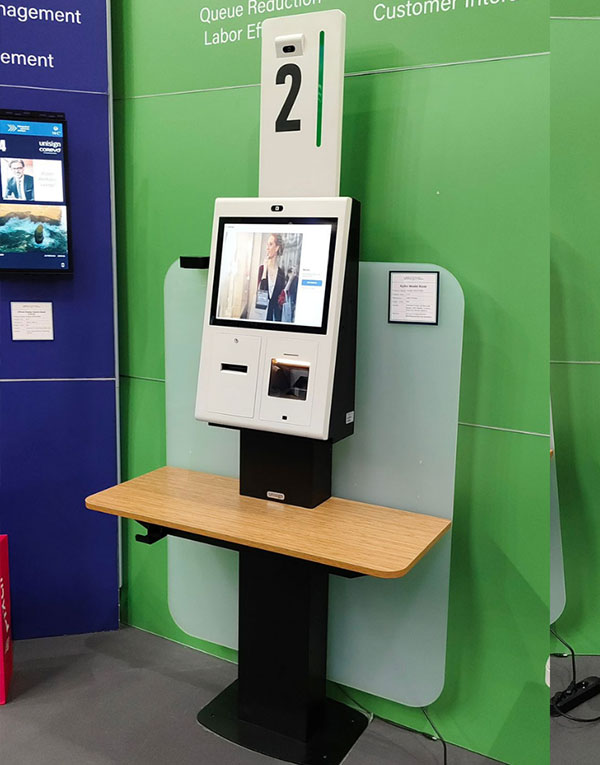
Discover the details of Aydın Self Checkout Kiosk with its modern design, user-friendly screen structure, and elegant form that adapts to different usage areas.
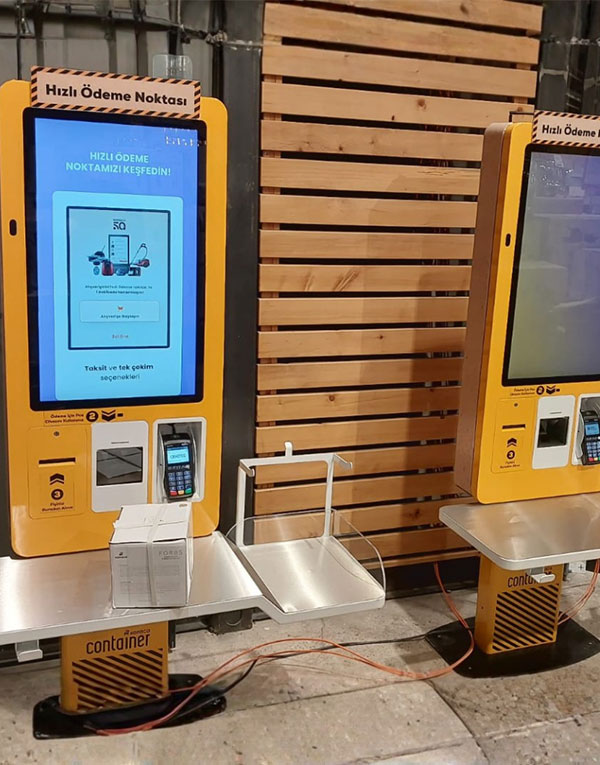
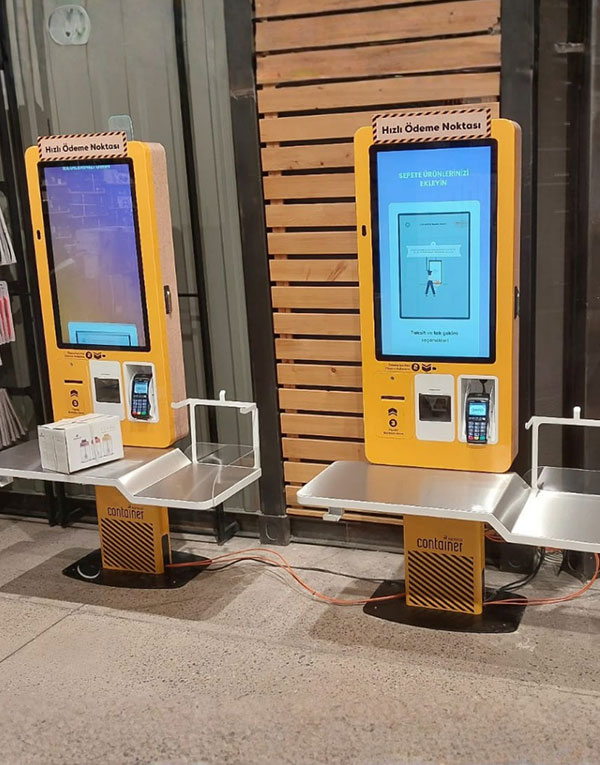
We provide a wide selection of home types for you and your family and are free to choose a home model.