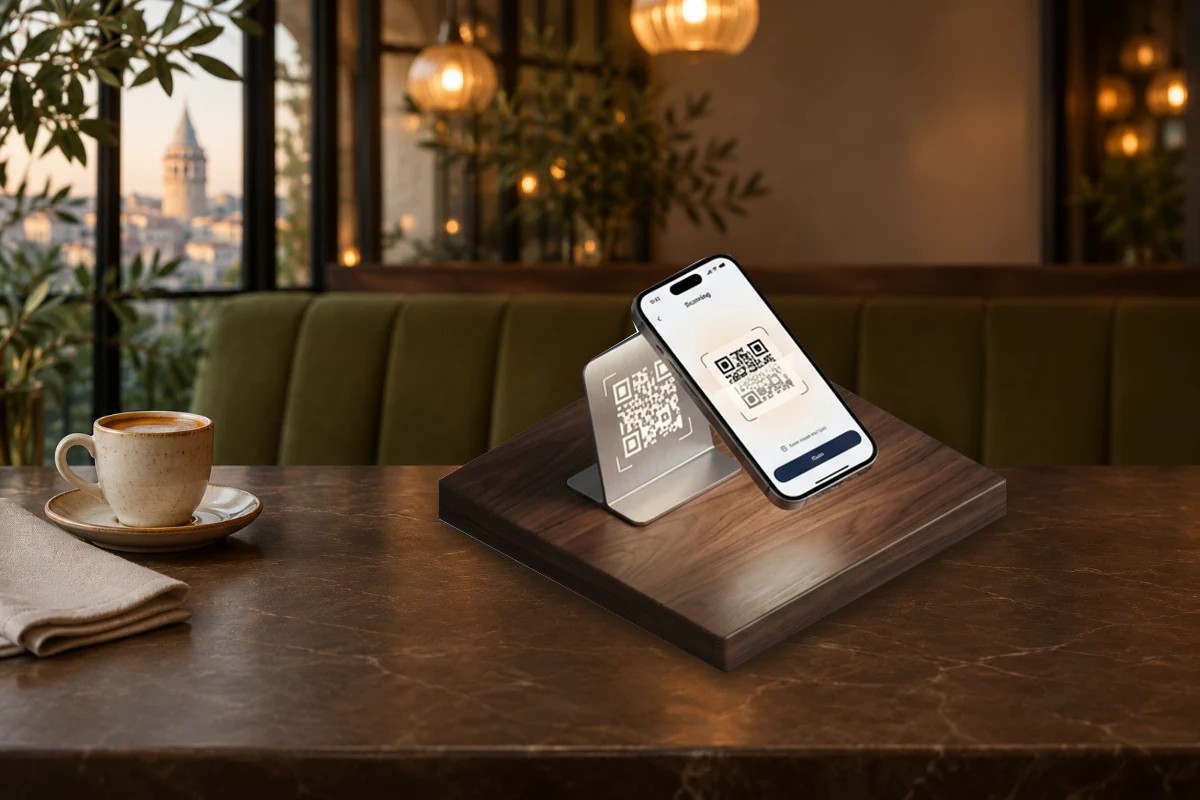
A restaurant QR code should take guests straight to the current menu for that location. Dish names, portion options and prices should be easy to read on a phone. For restaurants in Türkiye, setup also means keeping the entrance price list and the physical list staff hand to guests in step with the digital menu.
Group items into categories that reflect how you serve them, such as breakfast, mains, desserts and drinks. Put each portion option and its price on a separate line. Show prices in Turkish lira and use the same format at each location. Lead with the details guests need to choose a dish.
Use food photographs that make sense on a small screen. If a branch serves international guests, offer an English language option and check that dish names, portions and prices match the Turkish menu. Use readable text and short category lists so guests can find items without zooming in on a single image.
Before putting codes on tables, scan them with iPhone and Android cameras. Check that the link opens in the browser without an app, loads over mobile data and shows prices without zooming. Leave clear space around the code and use strong contrast. Test it again from a seated position in evening light.
If branches offer different items or prices, assign each branch its own menu link. Add a branch name or short internal reference to each stand so staff can identify it when stands are moved or reprinted.
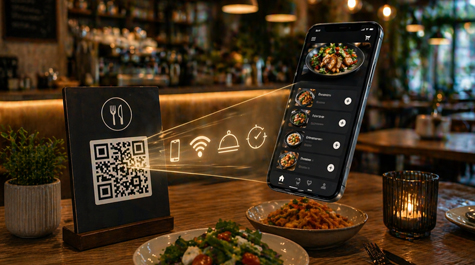
Illustration of Menureen’s QR Menu Solution in a table setting.
For every menu update, record the branch, affected items, new prices, start time and who will check the published version. After the central team prepares the update, ask each branch lead to compare prices on the mobile menu, the entrance list and the physical copy available to guests.
For example, if two branches change their breakfast menus on Friday, gather the updated items and prices in one list. After publication, ask a team member at each branch to scan a table code and check the new prices on site. Replace outdated physical copies during that shift.
Guidance from Türkiye’s Ministry of Trade allows restaurants to display prices by QR code at tables. The business must provide a physical price list when a guest asks for one. A clearly visible, legible price list must also be available outside each entrance. Keep physical copies within reach and update them when digital prices change. Türkiye Ministry of Trade consumer guide on price lists (in Turkish).
Choose a few tables at one location. During service, check whether guests can scan the code easily, open the correct menu and see up-to-date prices. Apply the menu template and the shift check to other branches once the pilot works.
Explore Menureen’s QR Menu Solution and Web Menu Solutions to plan how guests will access your menu. Contact Menureen to discuss your locations and update process.