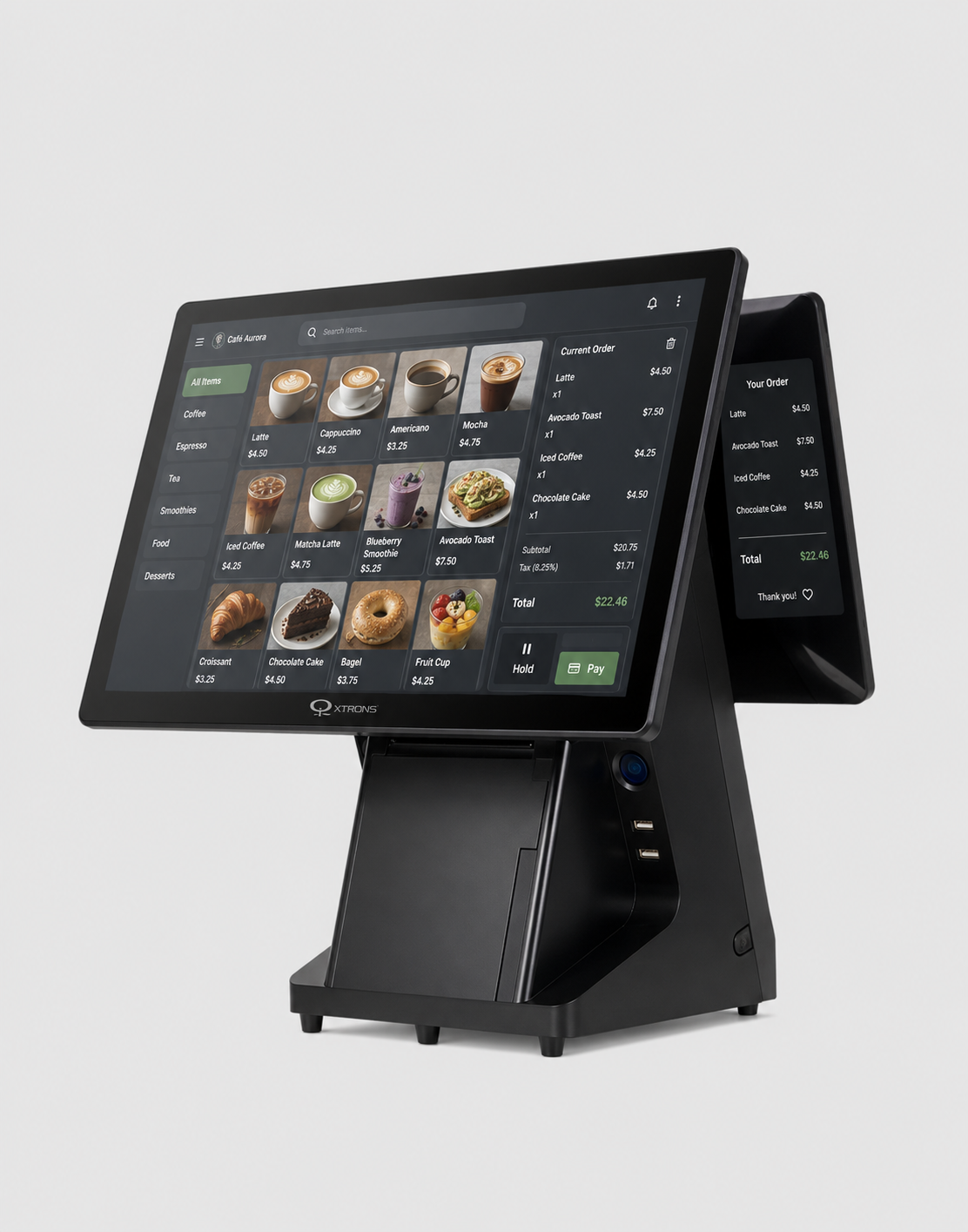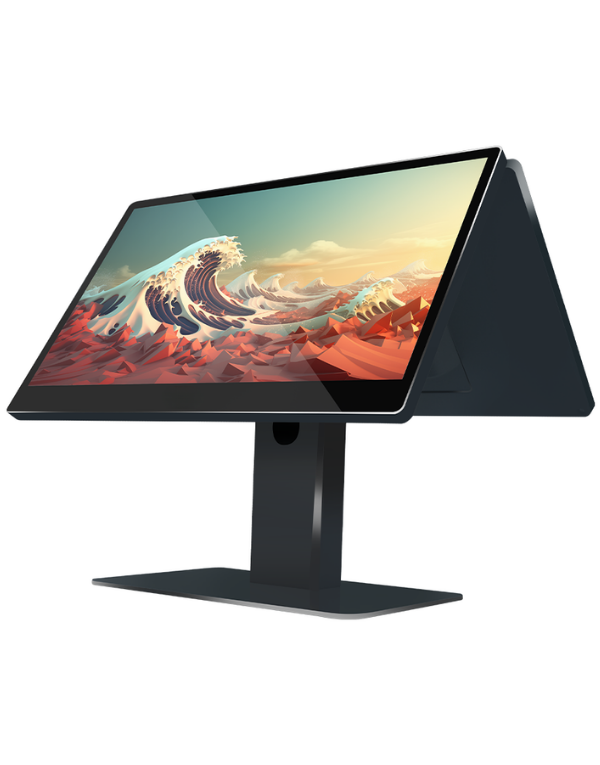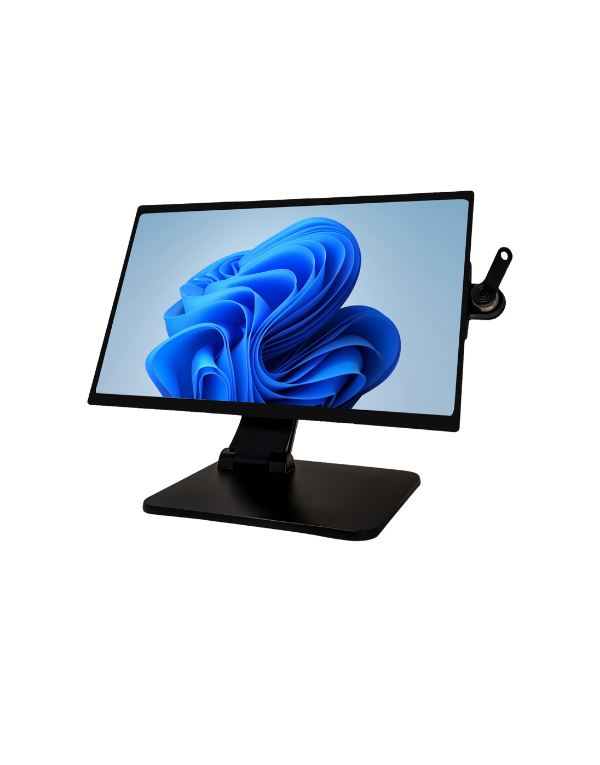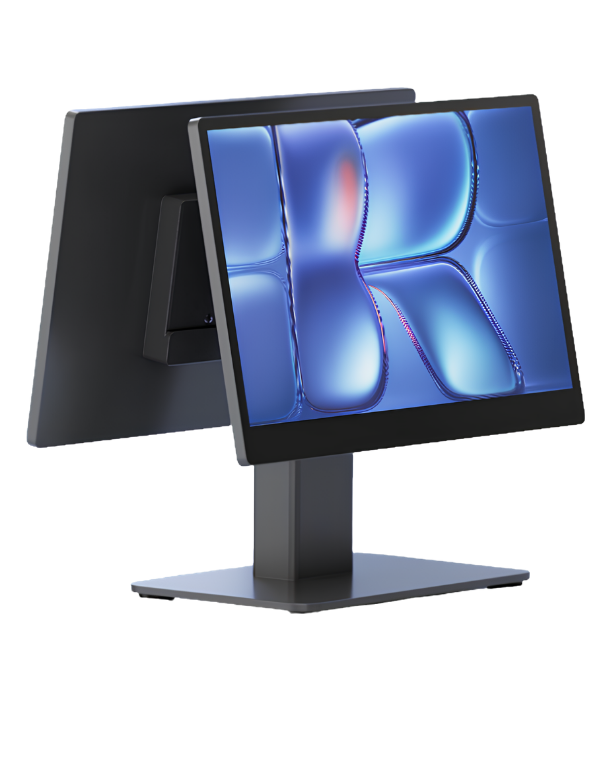
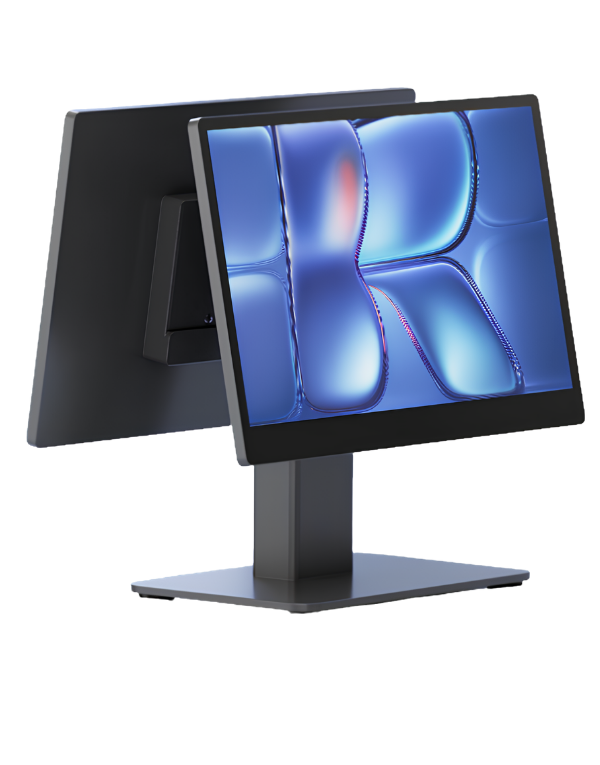
With Android Pro POS Terminal, Menureen offers an Android 14 Pro POS terminal for restaurant service.
Match the terminal to your POS application, counter space and required peripherals. Check connection and software requirements before choosing the final configuration.
Explore POS Solution for related information.
Limited counter space and mismatched peripherals can complicate everyday POS tasks. The terminal, operating system and checkout application need to be selected together.
Use the terminal as the workstation for the selected POS software. Check the operating system, connections and peripheral requirements before finalising the counter configuration.


Plan the display position for staff and any customer-facing information. Leave room for the peripherals required by your workflow and test order entry and payment handover before rollout.
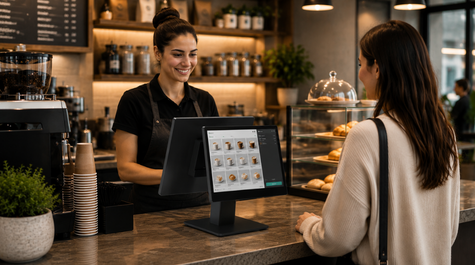
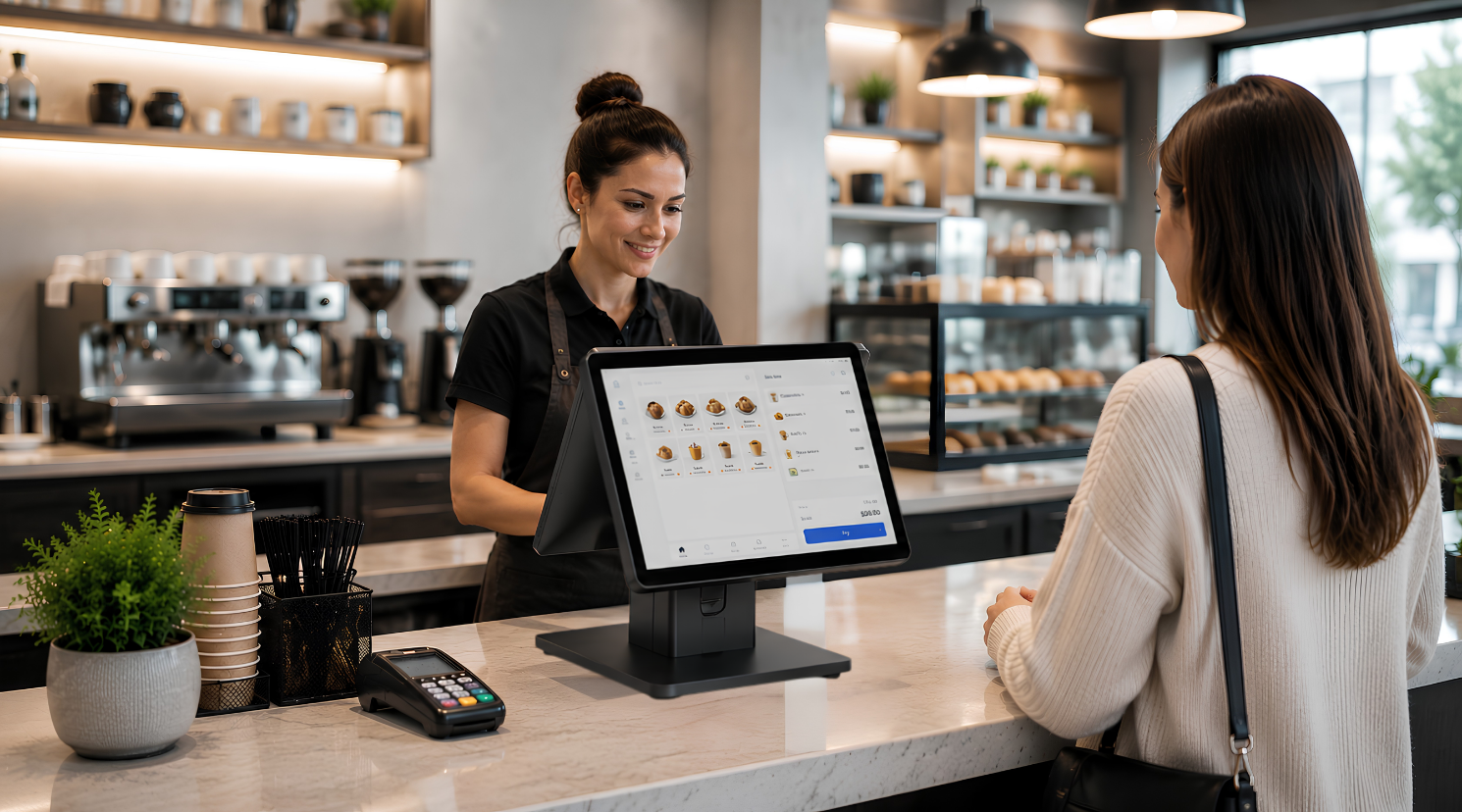
Android Pro helps coffee shops deliver faster service and smoother customer interactions. Its dual-screen design improves order visibility while maintaining an organized and modern counter experience.
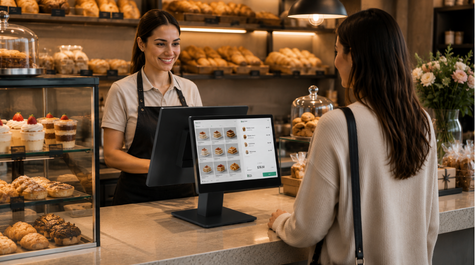
Perfect for bakeries and pastry shops where speed and accuracy are essential. Android Pro simplifies order management while presenting products clearly to customers during checkout.
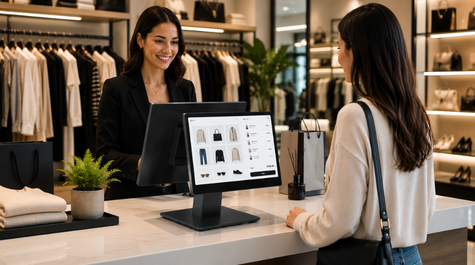
From boutiques to specialty stores, Android Pro enhances checkout efficiency and customer communication. Its compact footprint fits seamlessly into modern retail environments.

Provide customers with clear order visibility and real-time transaction information throughout the purchasing journey.
Reduce counter clutter by centralizing ordering, payment, and customer interaction within a single device.
Engineered for continuous daily operation, ensuring stable performance in busy business environments.
Compare models and choose the best fit for your space.
| Category | Feature | Value |
|---|---|---|
| SYSTEM | CPU | RK3568 Quad Core A55 2.0GHz |
| SYSTEM | Memory | 4GB RAM + 64GB ROM |
| SYSTEM | Operating System | Android 14 |
| DESIGN | Color | Gray |
| DISPLAY | Main Screen | 15.6" / 15.6" |
| DISPLAY | Main Screen Resolution | 1920x1080 |
| DISPLAY | Secondary Screen | 15.6" 1920x1080 (A16P) |
| INTERFACE | Ports | 1x Power, 3x USB 2.0, 1x USB 3.0, 1x RJ11 (RS232), 1x RJ12, 1x RJ45, 1x Audio Jack |
| NETWORK CONNECTION | Ethernet | 100M Ethernet |
| NETWORK CONNECTION | Wi-Fi | 2.4GHz / 5.0GHz |
| NETWORK CONNECTION | Bluetooth | Bluetooth 5.2 |
| AUDIO | Speaker | 1.5W / 8Ω |
| POWER | Power Adapter | Output: 12V / 3A |
| PACKAGE | Package Size | 240mm x 420mm x 395mm |
| PACKAGE | Package Weight | 4.7 / 5.5 kg |
| ENVIRONMENTAL | Operating Temperature | -10°C ~ 50°C |
| ENVIRONMENTAL | Storage Temperature | -20°C ~ 60°C |
| CERTIFICATIONS | Certifications | CE, RoHS, FCC |
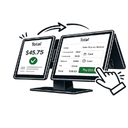
The dual-screen design improves communication between staff and customers by displaying transaction details on both sides simultaneously.
Integration must be checked against the software version, operating system, available connections and selected peripherals. Share your existing system details with Menureen so the required data flow and compatibility can be confirmed before deployment.
It is ideal for coffee shops, bakeries, retail stores, restaurants, and other customer-facing service environments.
Yes. It is designed for continuous operation and reliable performance in busy commercial environments.
Absolutely. It allows customers to view order details, pricing, and transaction information in real time.
We provide a wide selection of home types for you and your family and are free to choose a home model.